
flight sim MFD button array controller
 door Robdor


Printbare bestanden (5)
-
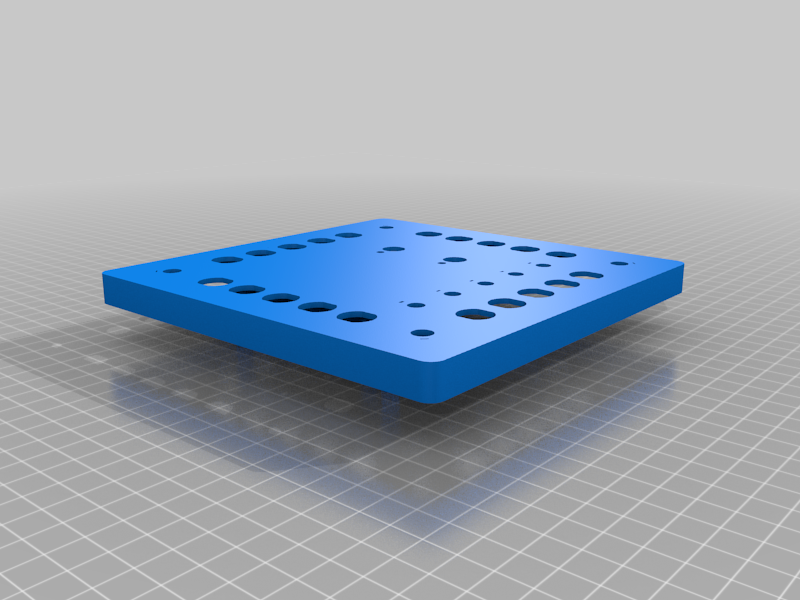 stl
stlMFD_Face_R1.stl
839 Ko · 1 191 downloads
-
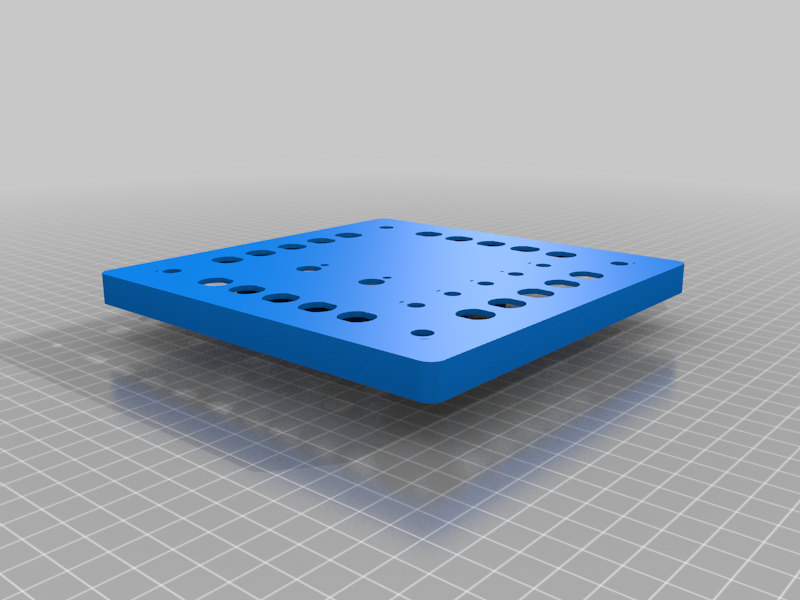 stl
stlMFD_Face_R1_mirror.stl
724 Ko · 1 192 downloads
-
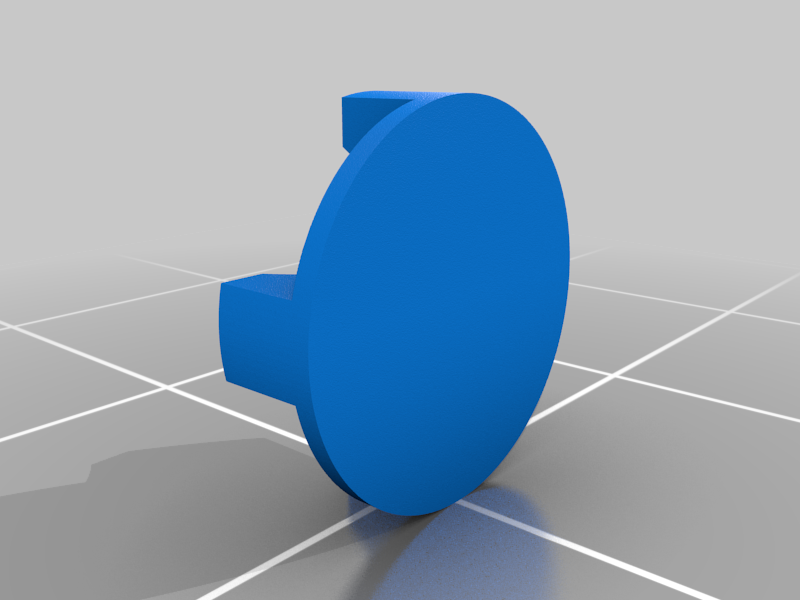 stl
stlPushButtonSwitchHat1.stl
392 Ko · 1 197 downloads
-
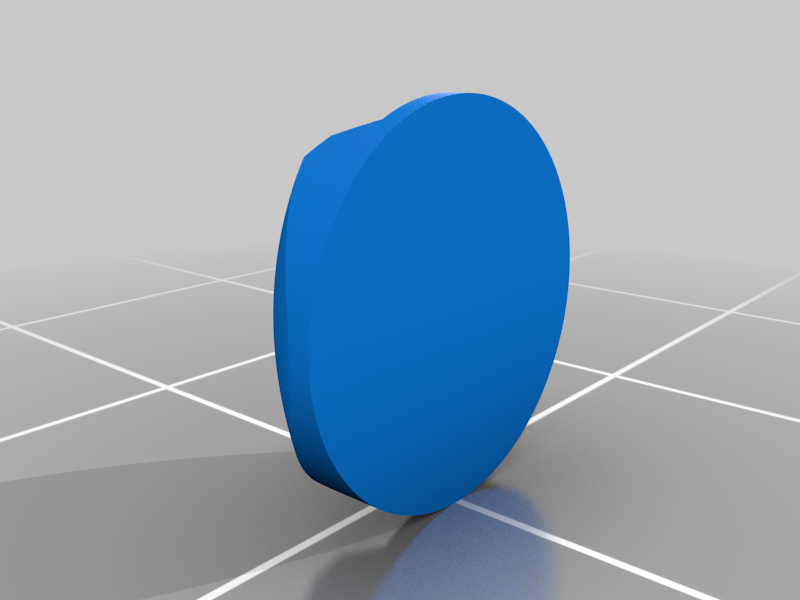 stl
stlPushButtonSwitchHat2.stl
419 Ko · 1 191 downloads
-
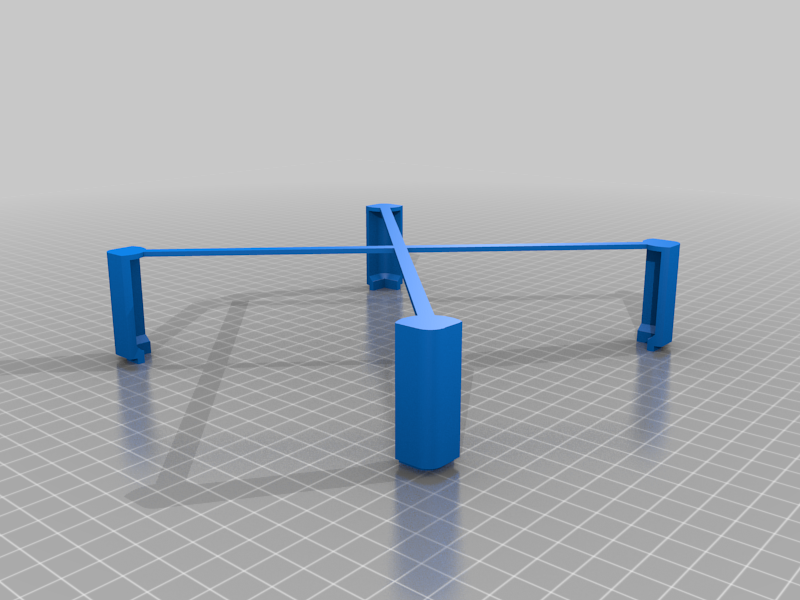 stl
stlMFDBackCover.stl
89 Ko · 1 129 downloads
Beschrijving
Setup Tasks:
the arduinos show up with the same USB name and device ID. This can cause some issues if you are using more than one panel. I've had DCS switch back and forth depending on how the game loads up the panels. The comment from Dakor91 on March 4th, 2017 in the following link provides a solution by editing the boards file and inputing in a unique VID, PID, and device name: https://github.com/MHeironimus/ArduinoJoystickLibrary/issues/14
additional resources:
Arduino due boards.txt location (it's hiding in users/.../appdata/...: https://stackoverflow.com/questions/35799214/location-of-boards-txt-for-an-arduino-due-sam-board
pid.codes: http://pid.codes/
Materials:
Push button switch, 1P1T, momentary (qty 20)
Toggle switch, 1P2T, momentary (qty 5)
Rotary switch, 1P12T, (qty 2) [only using 5 pins, switch has locking ring to prevent rotation past desired setting]
Encoder w/ push button KY-040 (qty 4)
Arduino Due (qty 1)
metric poop ton of stranded wire
Code:
code works but I haven't gone back to clean up the comments. may have some out dated comments from when I was using a diode matrix to add more push buttons.