
ESP8266 Sonoff Programmer
 par Dimwit-Dave


Fichiers imprimables (2)
-
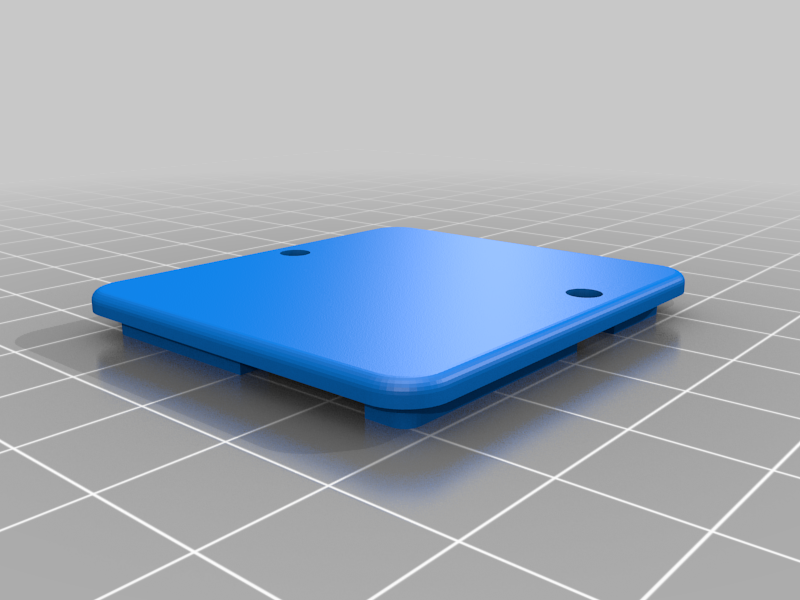 stl
stlBack_Panel.stl
57 Ko · 3 840 téléchargements
-
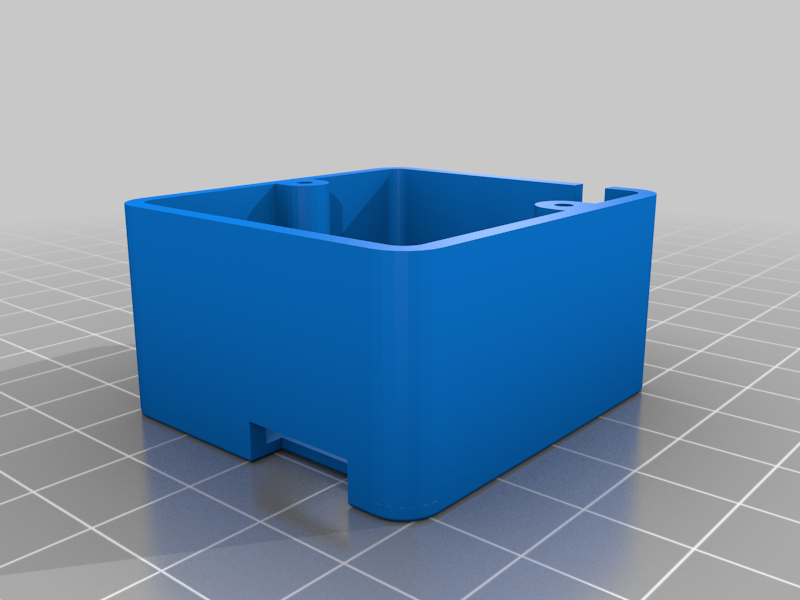 stl
stlFront_Box.stl
86 Ko · 3 844 téléchargements
Description
First and most important don't connect the mains power to the Sonoff module during programming. Personally I would not trust the PCB's electrical isolation and I value my PC's USB inputs, also we need to control the power to the ESP8266 to program it.
To put the ESP8266 into programming mode we need to hold the GPIO0 input low during a reset or power up cycle. On the Sonoff module neither the reset or GPIO0 is available on the optional headers. But the black push button is connected to the GPIO0 and pressing it takes this line low, so then all we need to do is cycle the power. That's how this box works.
Parts
USB serial cable - http://www.ebay.com/itm/Auto-Converter-Adapter-Module-USB-To-COM-Cable-USB-To-RS232-TTL-UART-PL2303HX-/182504686740?hash=item2a7e208494:g:yjcAAOSwXYtY2JFR
Normally closed push button - http://www.ebay.com/itm/Square-Momentary-On-Off-Normally-Closed-Push-To-Break-Switch-SPST-/252245252476?var=&hash=item3abafd197c:m:mDzggwvqL3y84SrcnNRIVLw
ASM1117 3V3 Regulator
3mm LED
100R Resistor
5 pin 0.254mm 90 degree header
USB cable cut to length
Case - Can be 3D printed
To use. Solder a 5 pin header to the Sonoff PCB and connect the programmer to the Sonoff board, remember don't connect the mains! Using the Arduino IDE select the USB device, the light on the programmer should light up. Press and hold the black push button and press the Red button, then release both buttons. Now you ready to program the Sonoff.
Youtube https://www.youtube.com/watch?v=cAO2zGWNwww&feature=youtu.be
P.S.
I have included the FreeCad File used to make the item.