
USB Crank Controller
 par adafruit




Fichiers imprimables (4)
-
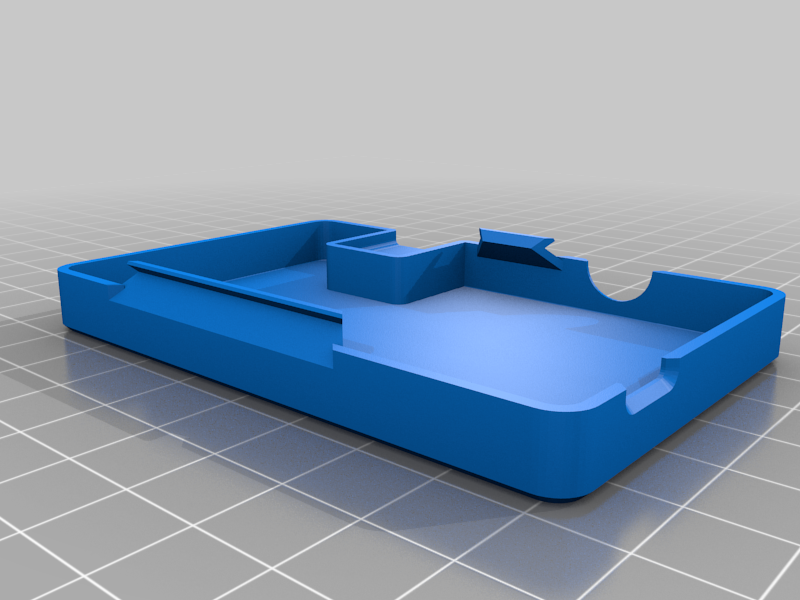 stl
stlcrankbox-top.stl
65 Ko · 756 téléchargements
-
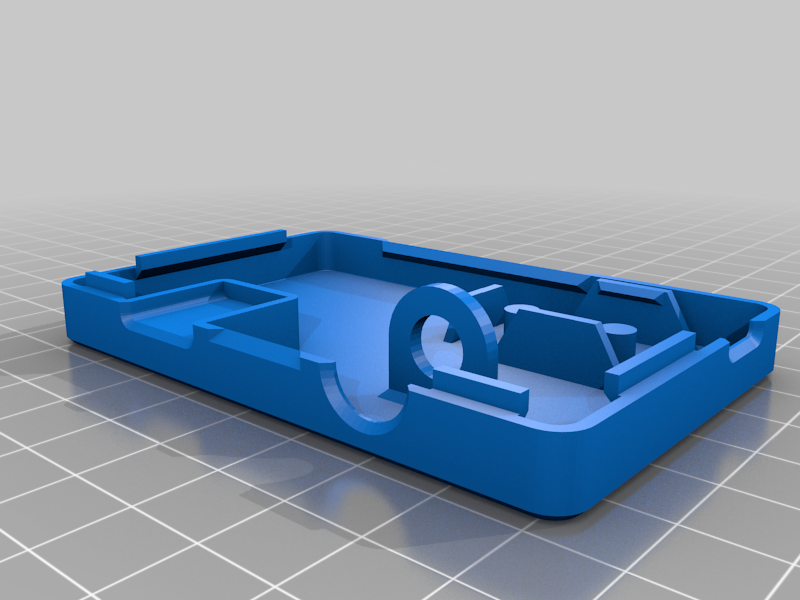 stl
stlcrankbox-bottom.stl
95 Ko · 748 téléchargements
-
 stl
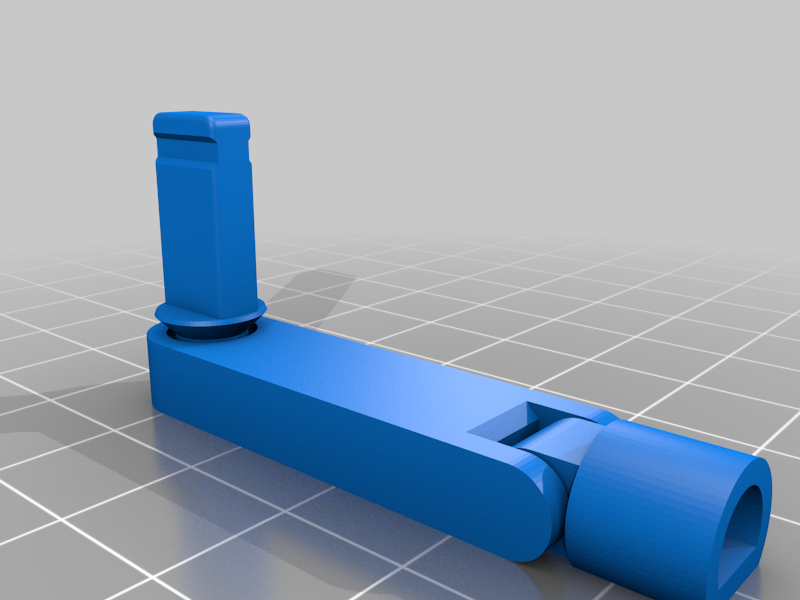
stlhinged-crank-dual.stl
189 Ko · 760 téléchargements
-
 step
stepitsy_crank_box.step
3.2 Mo · 744 téléchargements
Description
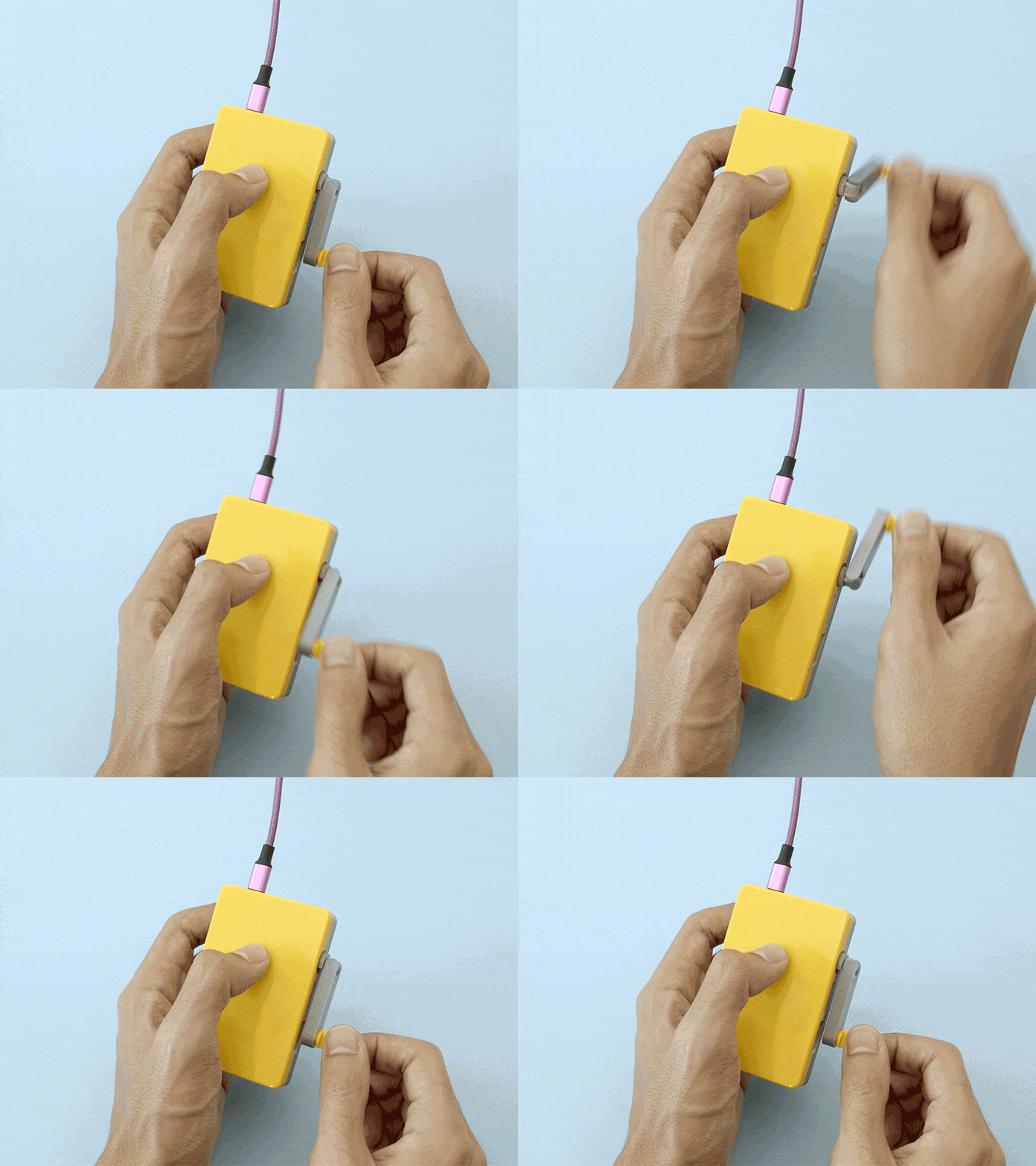
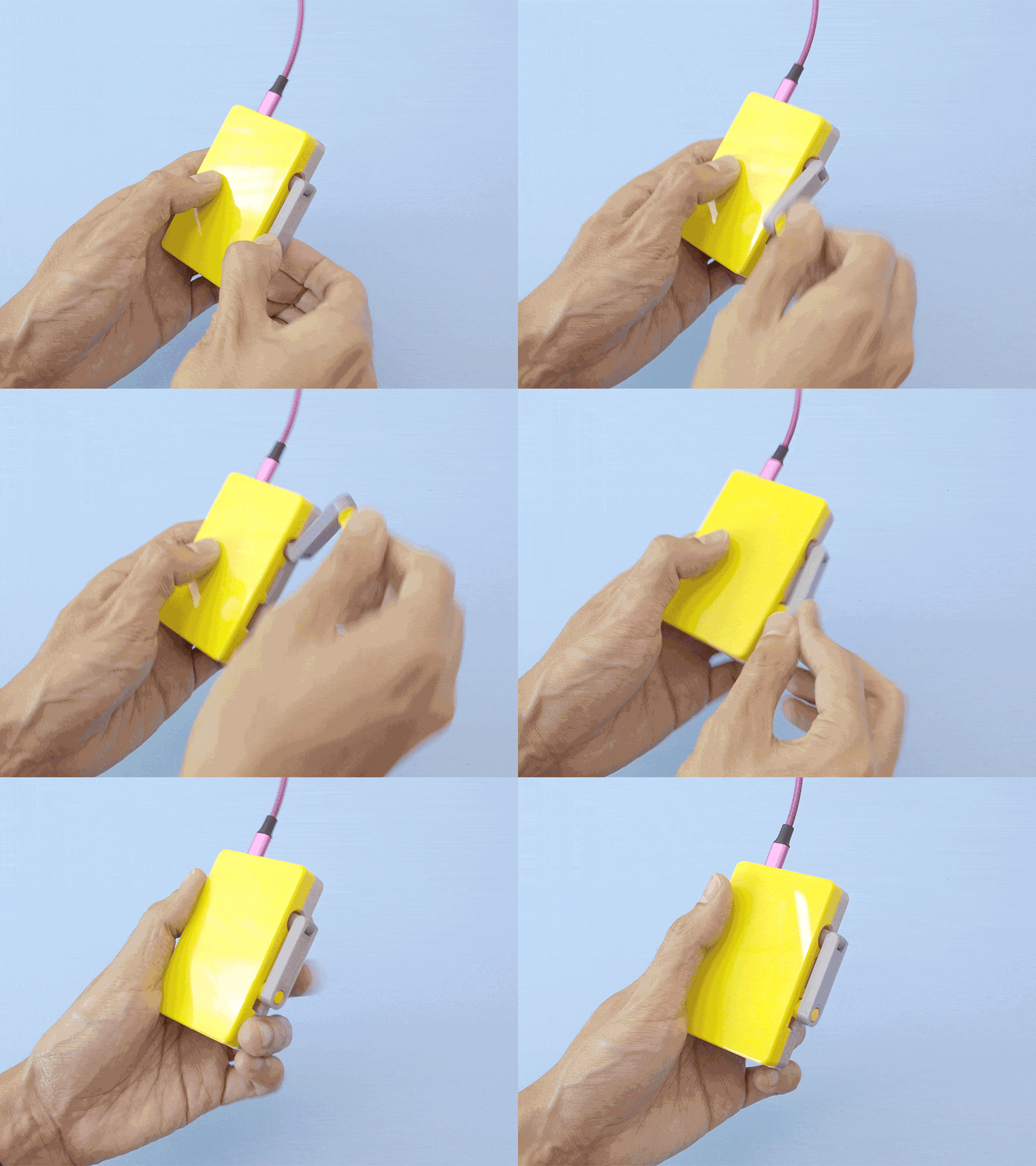
See it in action! https://twitter.com/ecken/status/1136711911196827649
Ever wonder what it's like to control things with a crank? This project explores the use of a crank mechanism that attaches to a rotary encoder. With the Adafruit ItsyBitsy M0 and CircuitPython, we can simulate a USB Human Interface Device (HID) device (like computer keyboards, mice, and gamepads) to trigger commands, macros and key presses. This idea was inspired by the Play Date device (https://play.date/) by Panic.
Learn Guide
https://learn.adafruit.com/usb-hid-crank-controller/
Code on GitHub
https://github.com/adafruit/Adafruit_Learning_System_Guides/tree/master/Crank_USB_HID
Adafruit ItsyBitsy M0
https://adafru.it/3727
Rotary Encoder
https://adafru.it/377
USB microB Cable – Fully reversible
https://adafru.it/4111
10-wire silicone cover ribbon cable
https://adafru.it/3890
3D Printer – Inventor II
https://adafru.it/3897
Filament for 3D Printers
https://adafru.it/2080
Turbo Mode
The rotary encode simulates key presses each time a pulse is produced. By turning the encoder, rapid key presses are generated – This is similar to the "Turbo" button prominently featured on USB gamepads. We've come up with some use cases for this.
Turn up/down volume or screen brightness
Play MakeCode Arcade games
Scroll webpages
Rotate 3D models in CURA Slicer