
Mouse Controlled Mouse Controller
 par jefber


Fichiers imprimables (15)
-
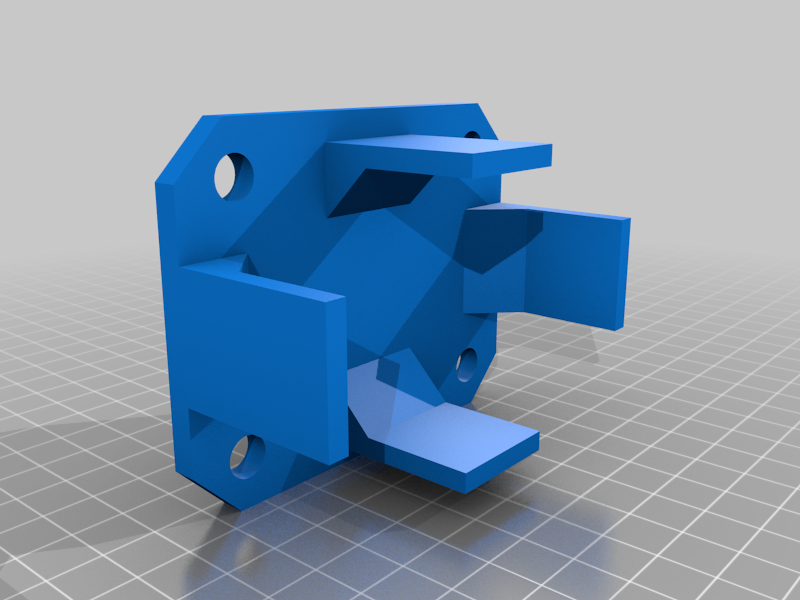 stl
stlmouse_holder.stl
51 Ko · 464 téléchargements
-
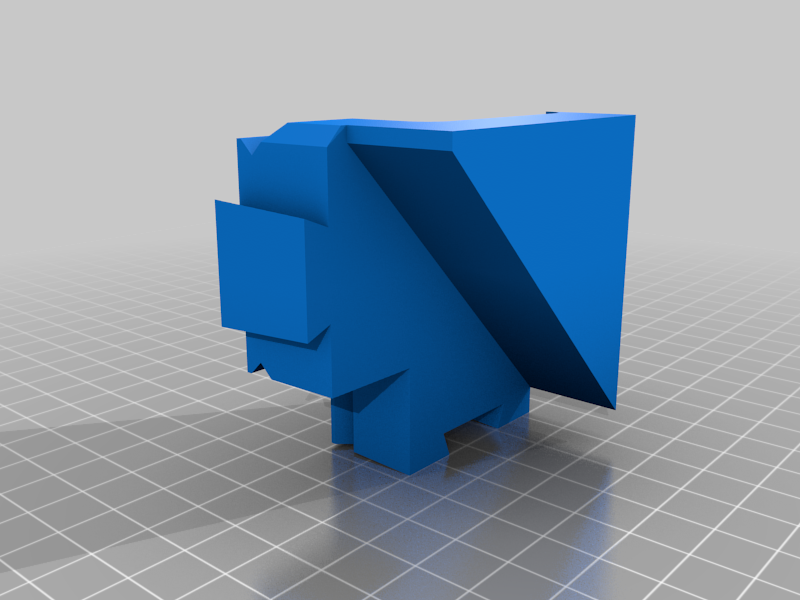 stl
stlCorner_pulley_side.stl
52 Ko · 464 téléchargements
-
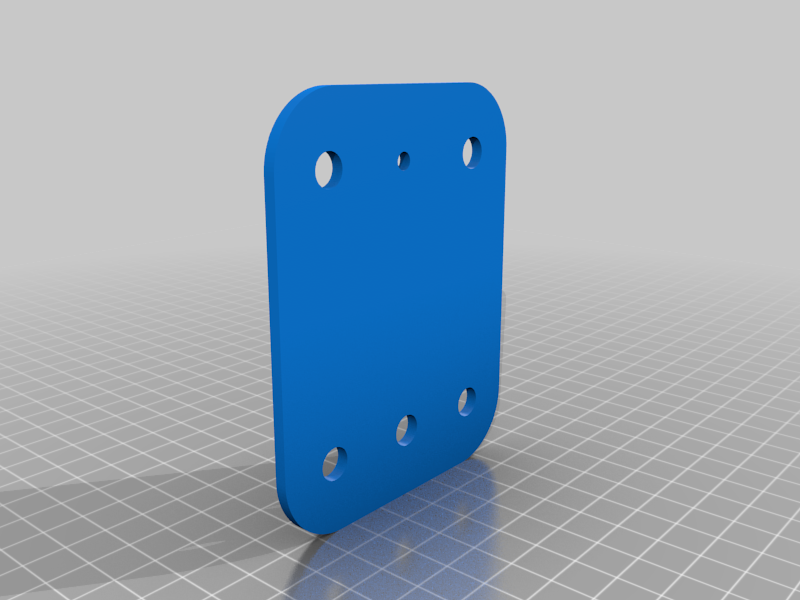 stl
stlgantry_plate.stl
87 Ko · 464 téléchargements
-
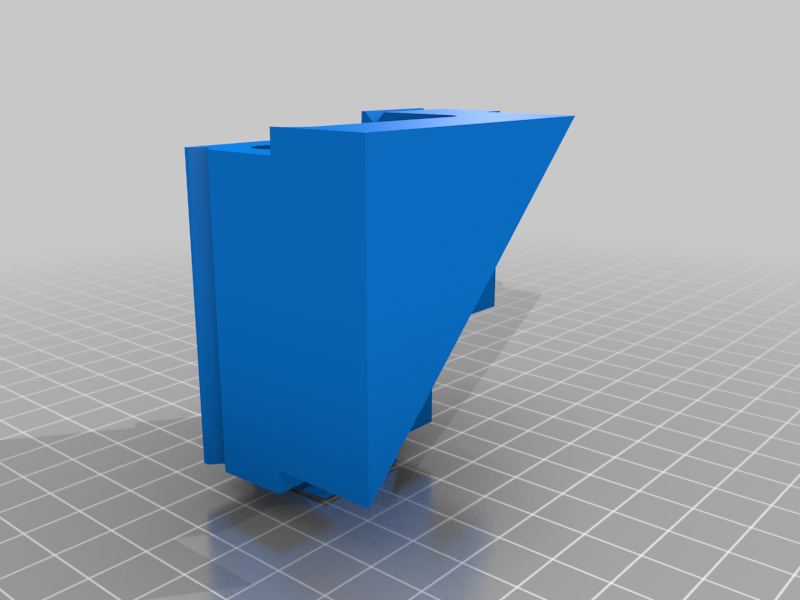 stl
stlCorner_motor_side.stl
51 Ko · 467 téléchargements
-
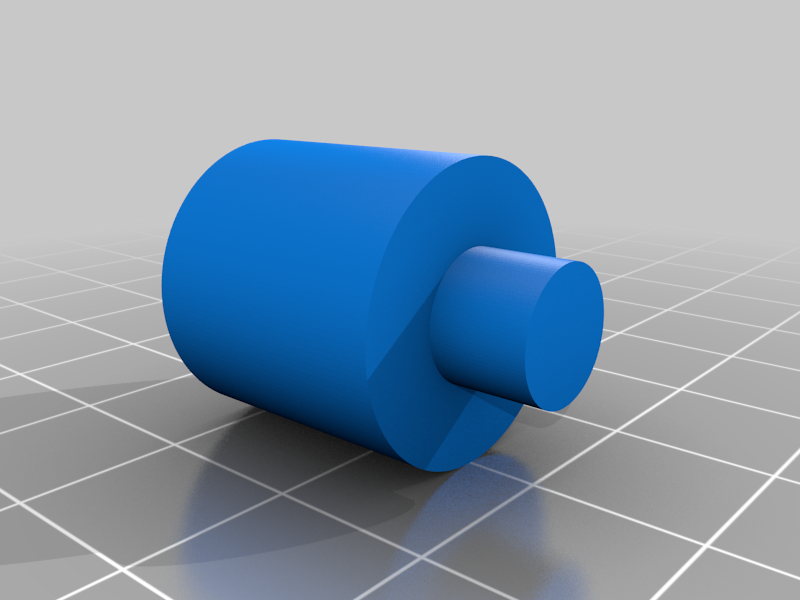 stl
stlmouse_holder_lower_pin.stl
140 Ko · 470 téléchargements
-
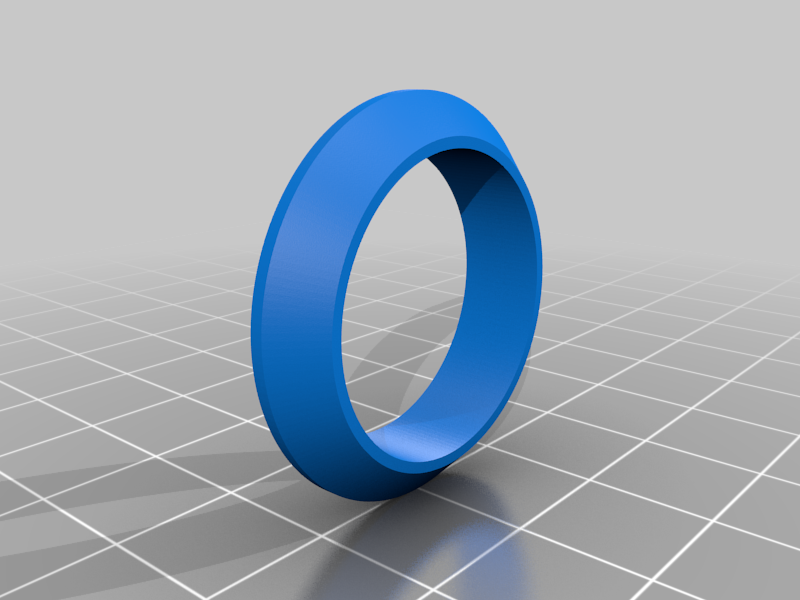 stl
stlroller.stl
100 Ko · 466 téléchargements
-
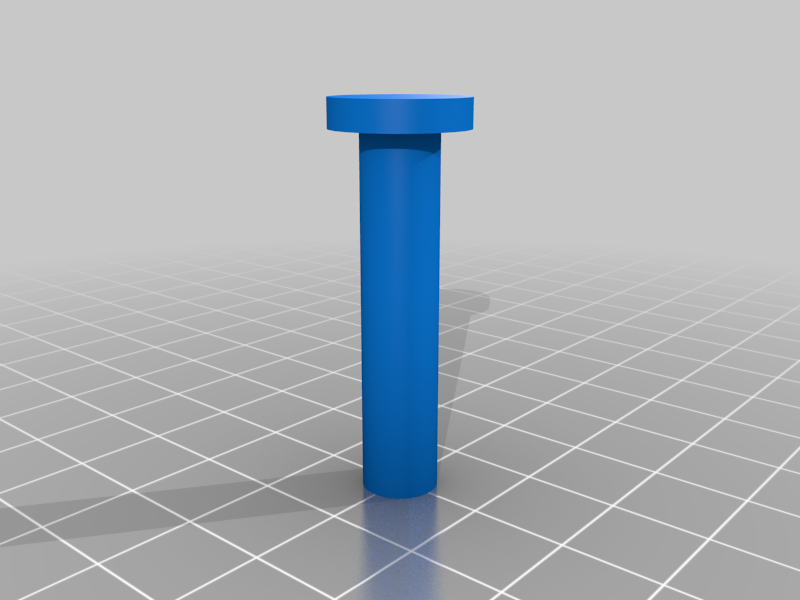 stl
stlpulley_mount_pin.stl
98 Ko · 464 téléchargements
-
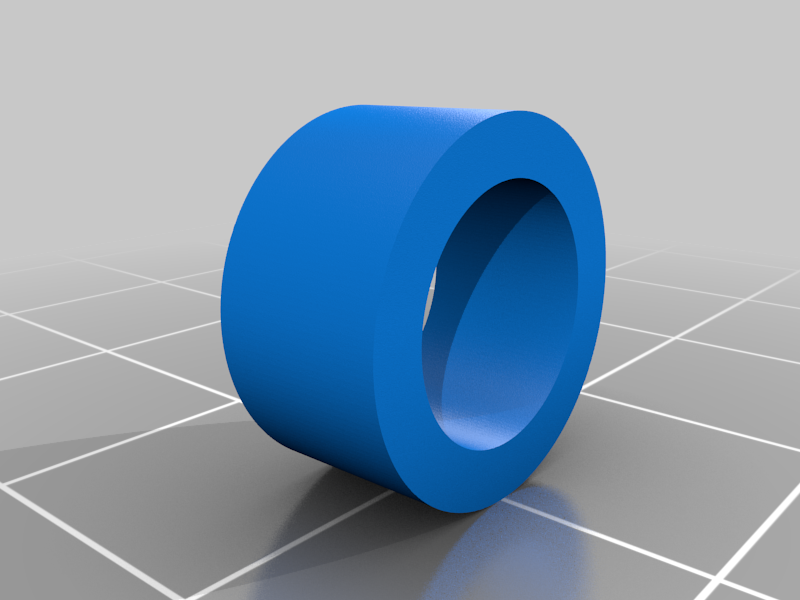 stl
stlroller_pin_spacer.stl
97 Ko · 463 téléchargements
-
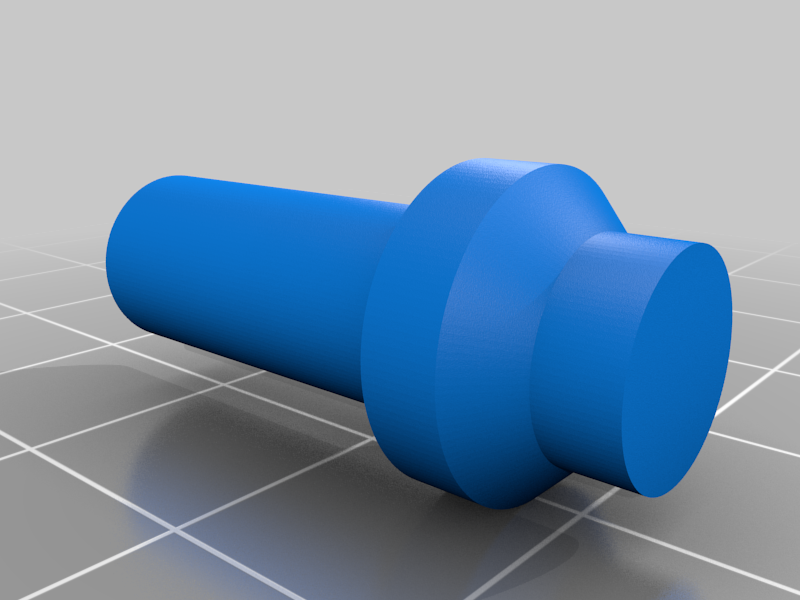 stl
stlroller_pin.stl
104 Ko · 464 téléchargements
-
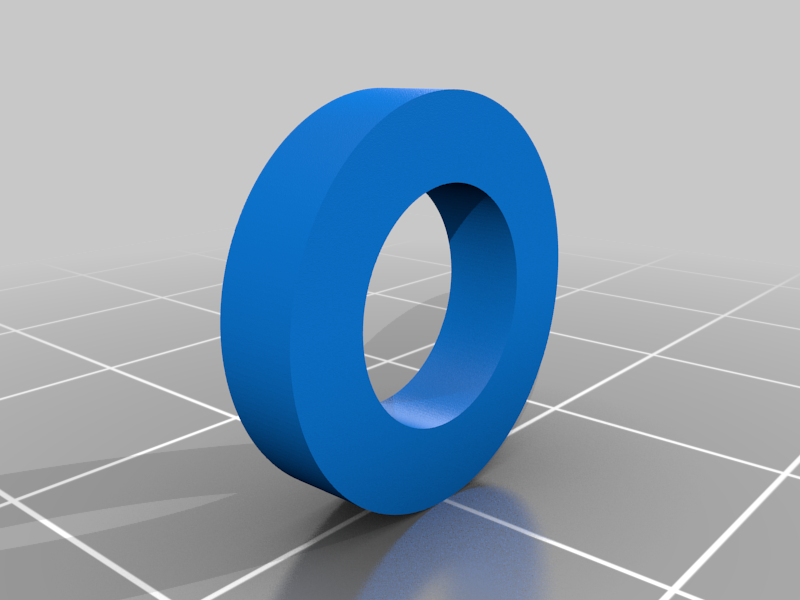 stl
stlroller_pin_cap.stl
64 Ko · 464 téléchargements
-
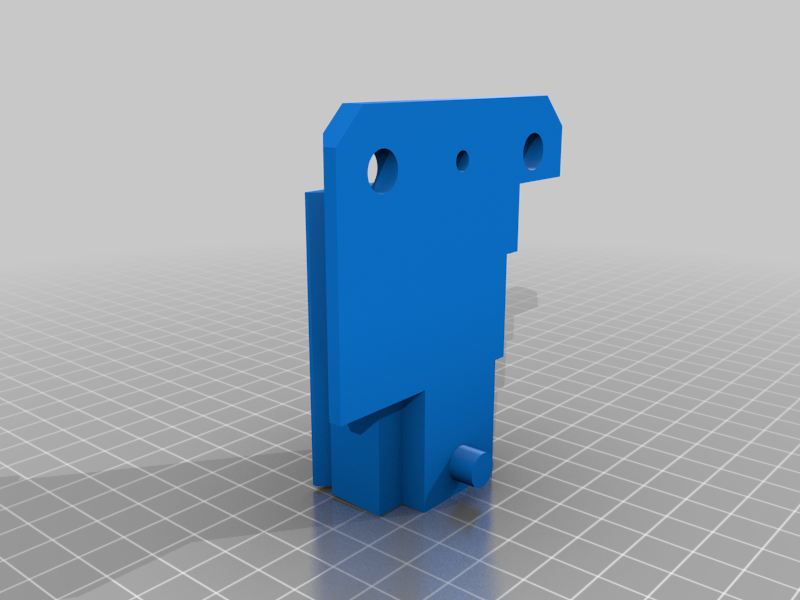 stl
stlplate_mount_negative.stl
88 Ko · 463 téléchargements
-
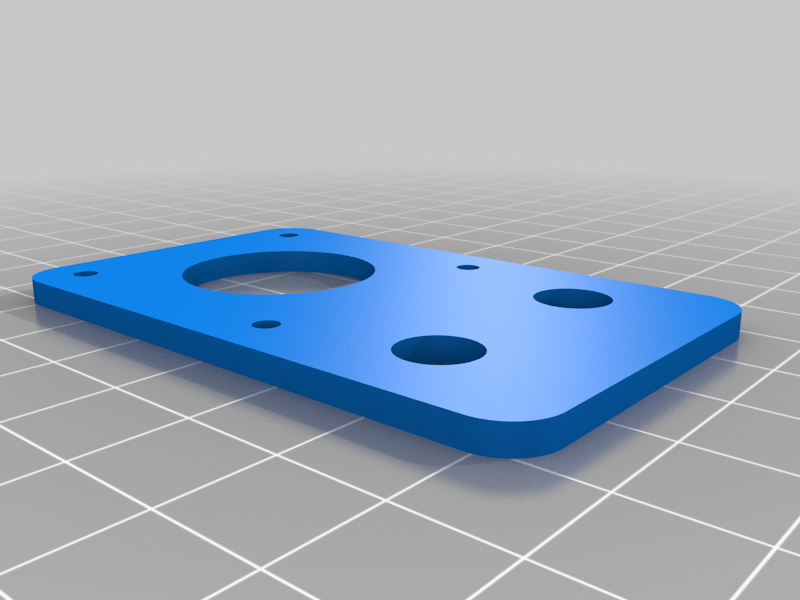 stl
stlmotor_pulley_mount.stl
100 Ko · 475 téléchargements
-
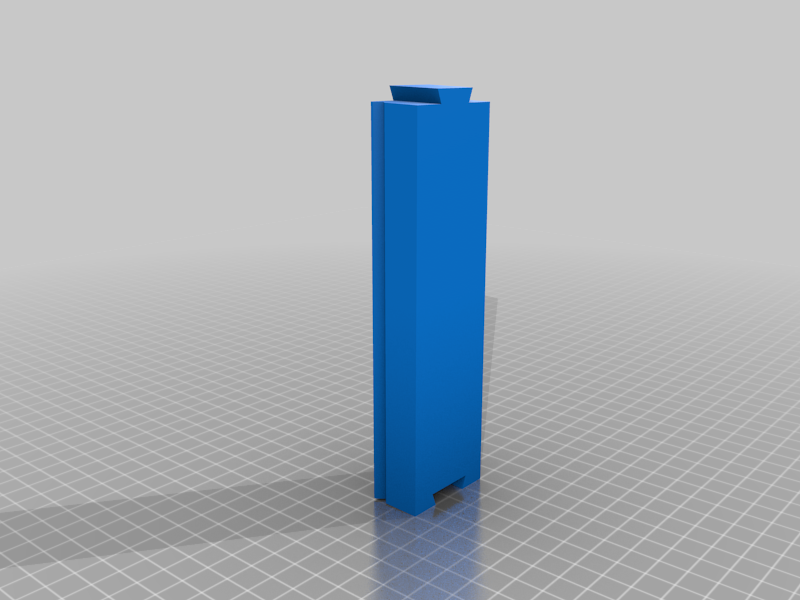 stl
stlrail.stl
3 Ko · 455 téléchargements
-
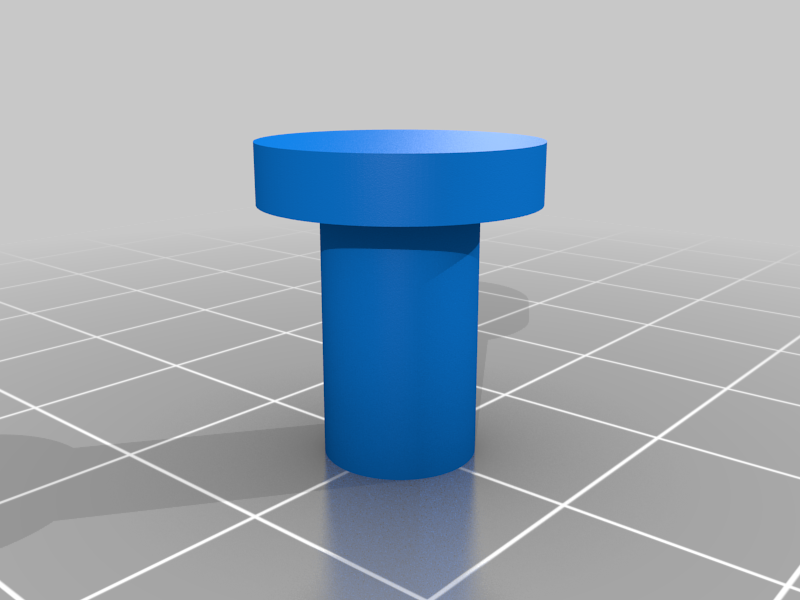 stl
stlmotor_mount_pin.stl
81 Ko · 462 téléchargements
-
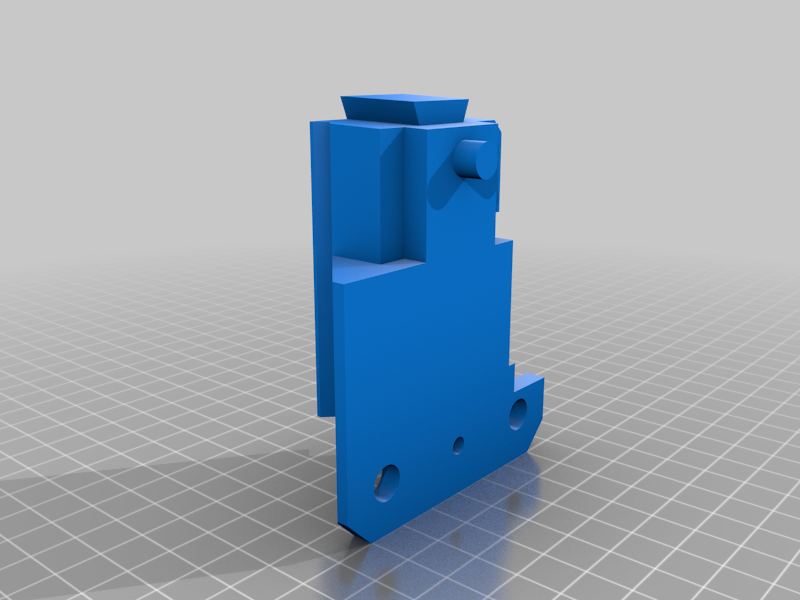 stl
stlplate_mount_positive.stl
86 Ko · 461 téléchargements
Description
This machine has no purpose. It's a useless machine. When I heard about the Macrofab design contest. I thought this would be a perfect opportunity to make something that no one else would make, and to learn a couple of things that I’ve interested in.
The mouse controller consist of a mouse that is connected to a Raspberry Pi. The Raspberry Pi converts the position of the mouse to G-code commands with a python script. The G-code commands are sent to an Arduino through USB. The Arduino is programmed with GRBL and is fitted with CNC controller shield. The Arduino CNC controller drives 3 stepper motors that control a 3D printed and laser cut XY gantry. The XY gantry moves a mouse.
The Fusion360 design files can be found at the link below:
https://myhub.autodesk360.com/ue2d8bc19/g/shares/SH56a43QTfd62c1cd9687e9feca593e75dfb
A more detailed explanation of the project and instructions can be found at hackaday.io at the link below:
https://hackaday.io/project/167015-mouse-controlled-mouse-controller