
CoreXY pen plotter
 par Ondra89


Fichiers imprimables (14)
-
 stl
stlfoot.stl
25 Ko · 889 téléchargements
-
stl
arduino_mount.stl
35 Ko · 876 téléchargements
-
stl
back_pulley_mount.stl
46 Ko · 880 téléchargements
-
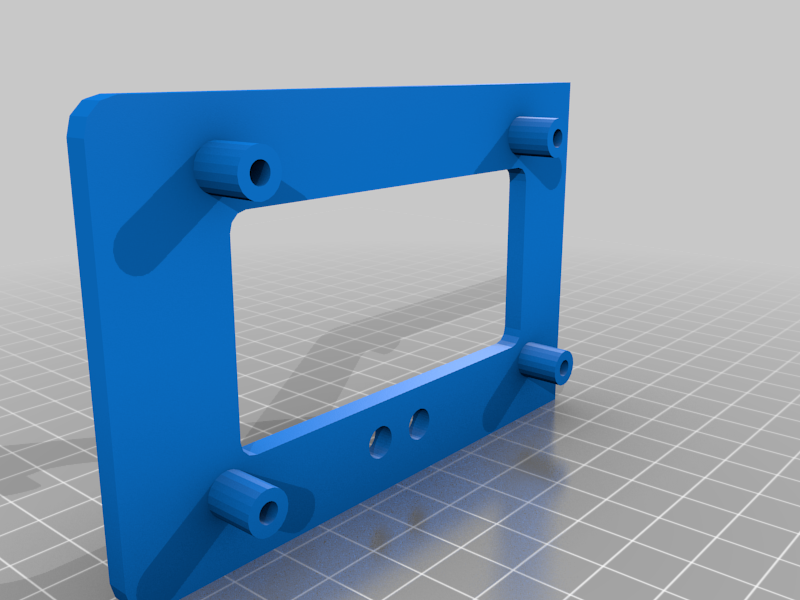 stl
stlarduino_holder.stl
140 Ko · 854 téléchargements
-
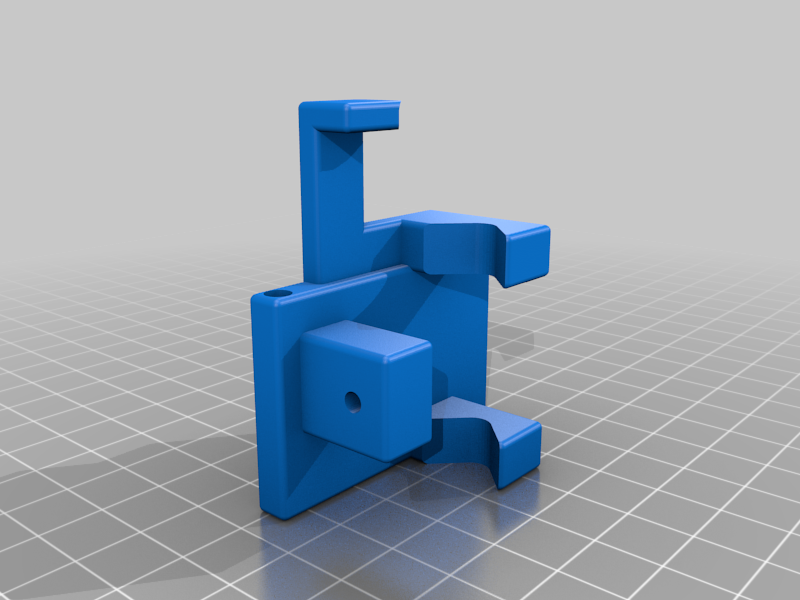 stl
stlpen_mount.stl
230 Ko · 904 téléchargements
-
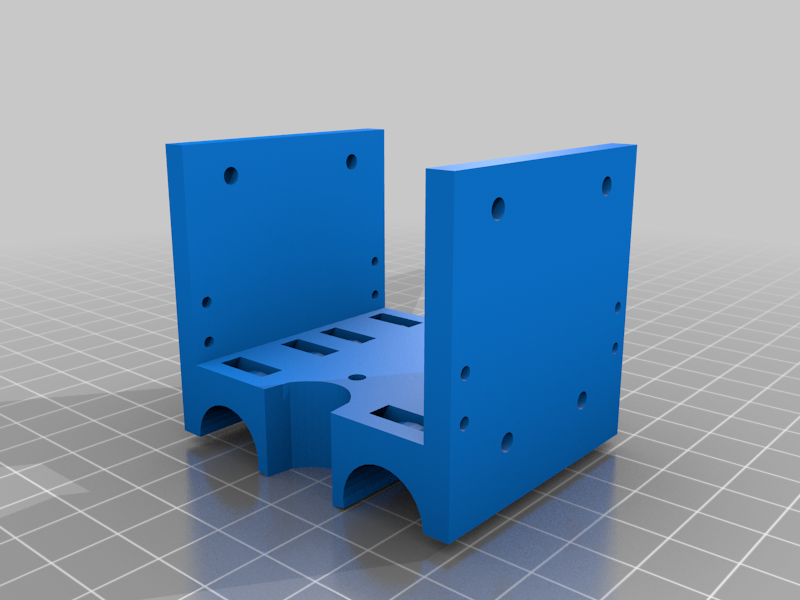 stl
stlcarriage.stl
250 Ko · 867 téléchargements
-
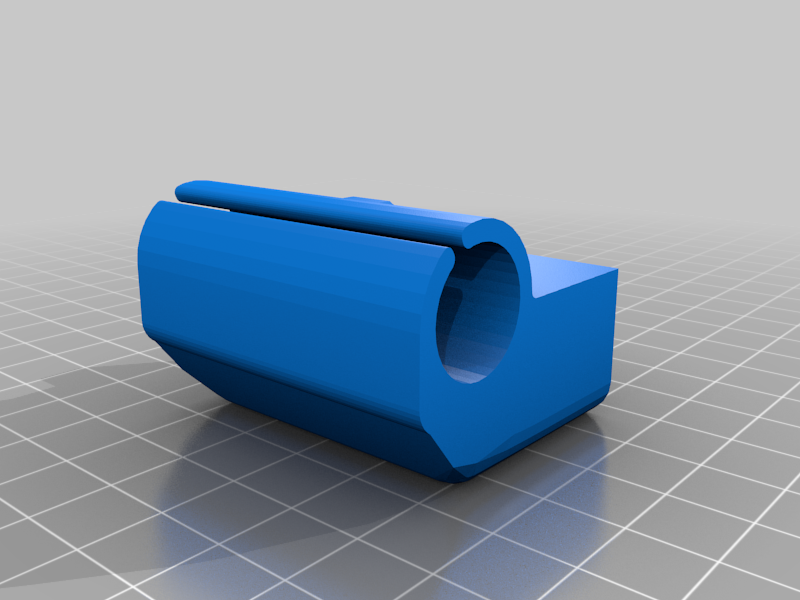 stl
stlleft_slider.stl
179 Ko · 881 téléchargements
-
stl
stepper_motor_holder.stl
99 Ko · 891 téléchargements
-
stl
right_slider.stl
188 Ko · 880 téléchargements
-
stl
belt_tensioner.stl
465 Ko · 878 téléchargements
-
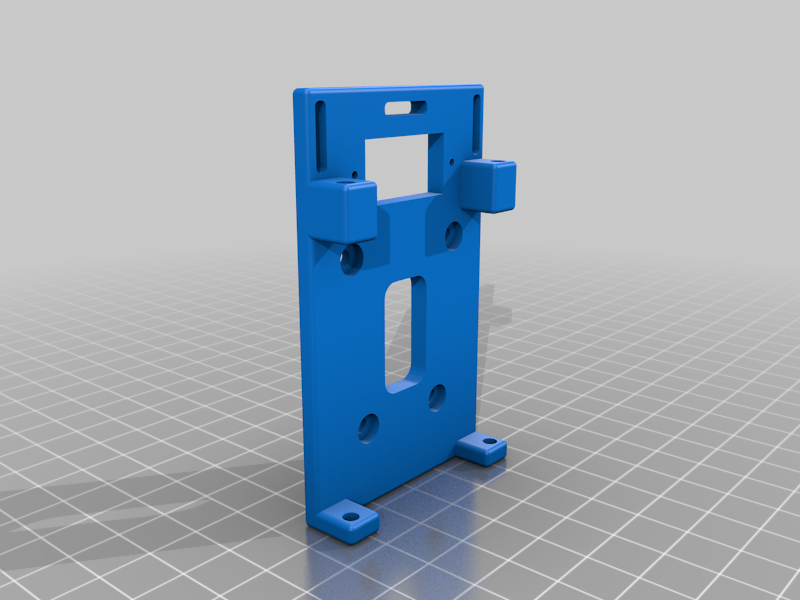 stl
stlservo_mount.stl
310 Ko · 882 téléchargements
-
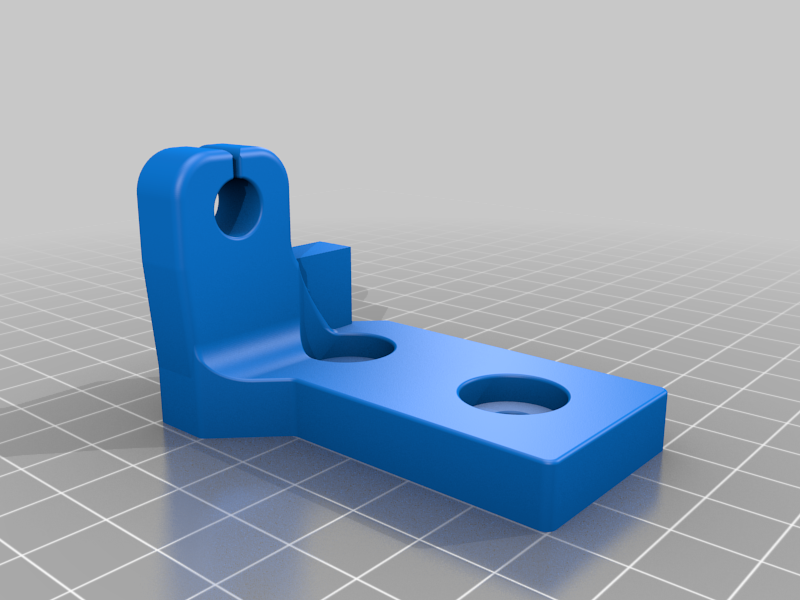 stl
stlleft_rod_mount_with_endstop.stl
4.7 Mo · 868 téléchargements
-
stl
left_rod_mount.stl
5 Mo · 878 téléchargements
-
stl
right_rod_mount.stl
5.5 Mo · 882 téléchargements
Description
Recently I became interested in CoreXY and wanted to see how it works, so I designed simple pen plotter. I know there are many similar and maybe better designs already, but I wanted mine to use parts that I am familiar with and are also available to purchase for relatively cheap price. I ended up reusing various 3D printer parts, arduino and RAMPS board plus pre-cut aluminum profiles.
You can find blend file among files for download which contains whole design.
I also used some parts from other projects. Namely the servo actuated pen holder is from this project: https://www.thingiverse.com/thing:2374238
I am pretty sure all parts can be printed without support. I used ABS ,but PLA or PETG should work too.
List of used parts:
- two Nema17 stepper motors
- arduino + Ramps + two stepper drivers
- two end-stop switches
- four aluminum profiles I used two 360 mm and two 320 mm but any length should work
- four 8 mm steel rods ( two 370 mm and two 290 mm)
- GT2 6 mm belts approximately 4 meters
- 16 F623zz ball bearings for pulleys
- some m3x40 and m3x16 bolts for pulleys and motors
- some m6x12 bolts for aluminum profiles
- 8 LM8UU linear bearings
- some thin zip ties to hold linear bearings in the carriage
I am sure I forgot something, if you find out then let me know in the comments
I used standard marlin as firmware for arduino. Of course you need to make some changes in Configuration.h to make it work with coreXY and some atoher tweaks.
To generate gcode I use inkscape, which is great open-source tool for creating vector graphics, together with this extension, that is able to save your drawing directly as gcode:
https://github.com/soukupak/inkscape-unicorn-for-marlin
I you need any help getting this thing to work, let me know in the comments and I'll be glad to help.