
Binary Calculator
 by Nacelle


Printable files (16)
-
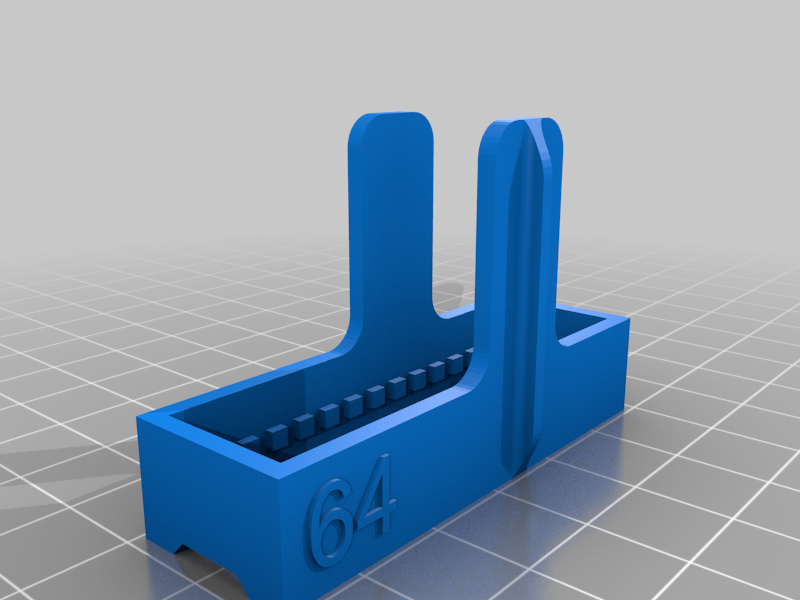 stl
stlConnector64.stl
101 Ko · 180 downloads
-
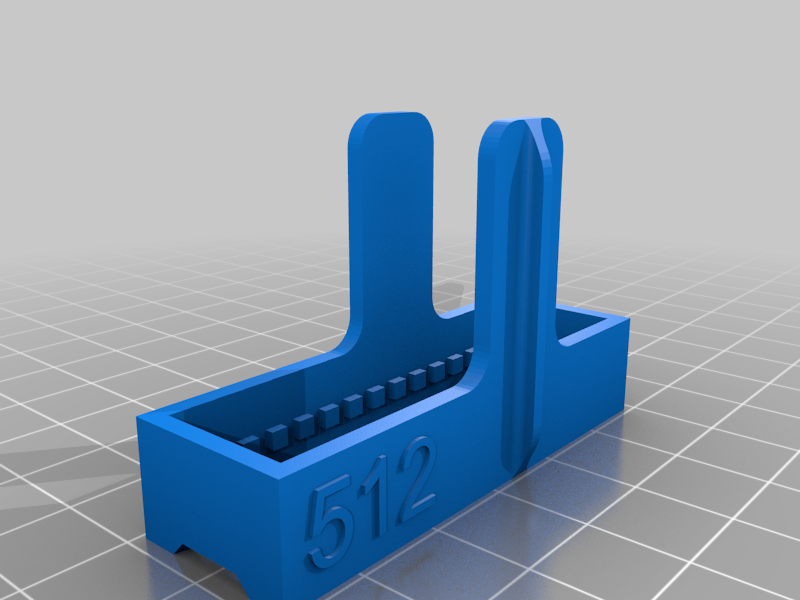 stl
stlConnector512.stl
109 Ko · 181 downloads
-
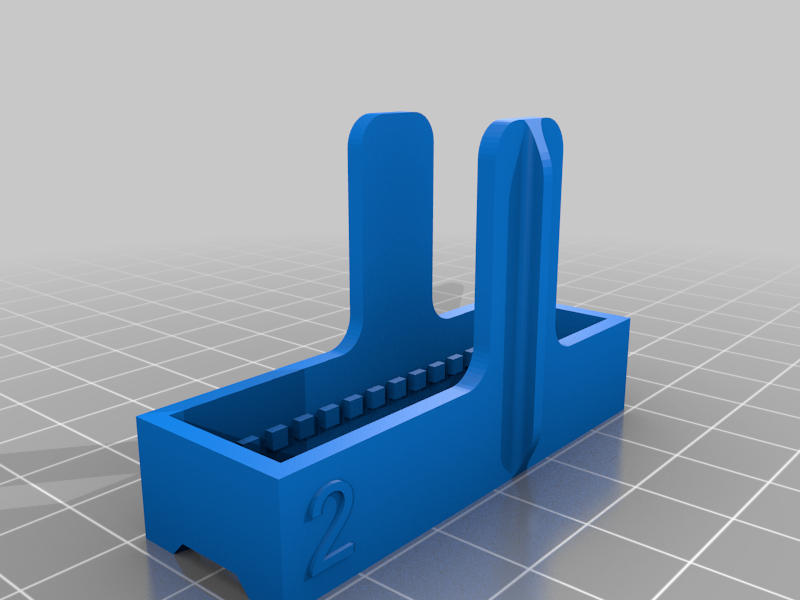 stl
stlConnector2.stl
91 Ko · 182 downloads
-
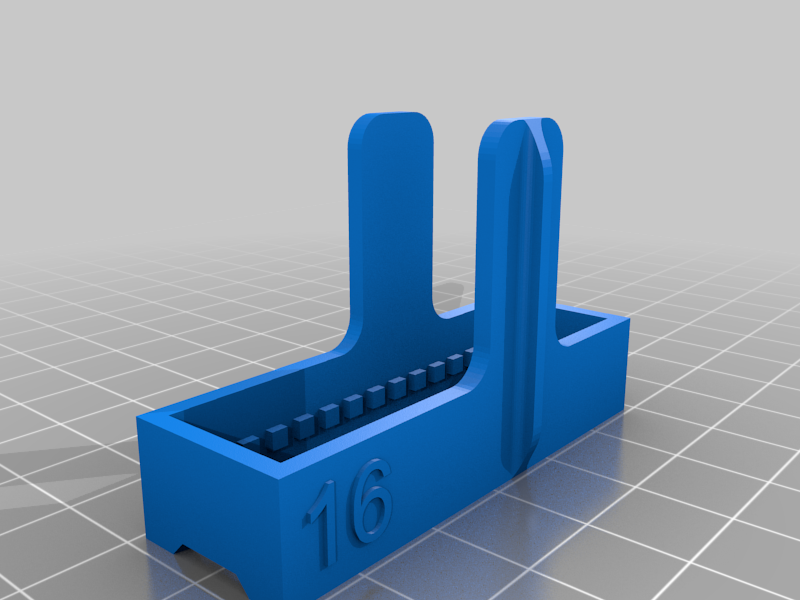 stl
stlConnector16.stl
102 Ko · 182 downloads
-
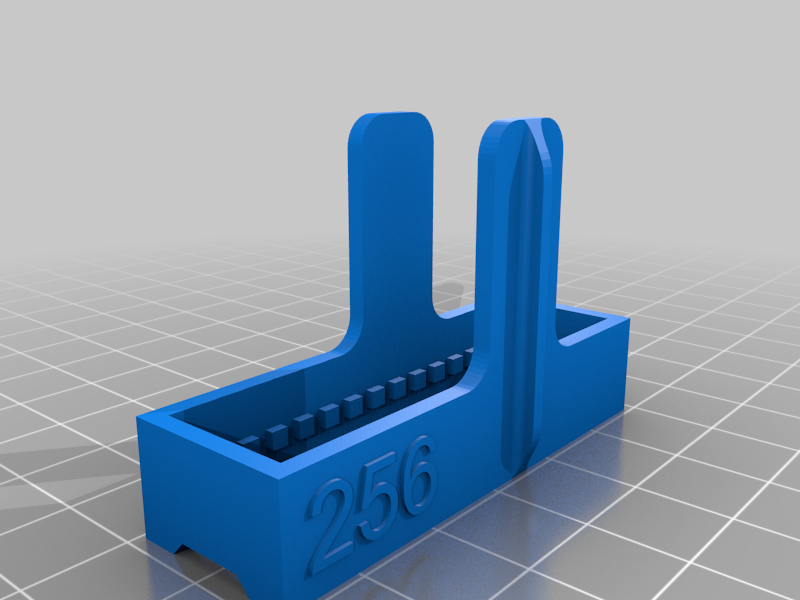 stl
stlConnector256.stl
129 Ko · 182 downloads
-
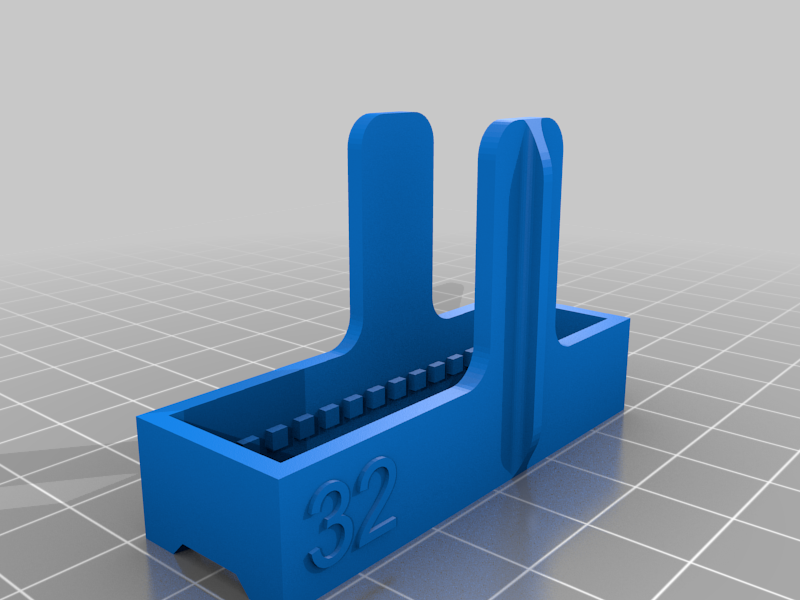 stl
stlConnector32.stl
114 Ko · 180 downloads
-
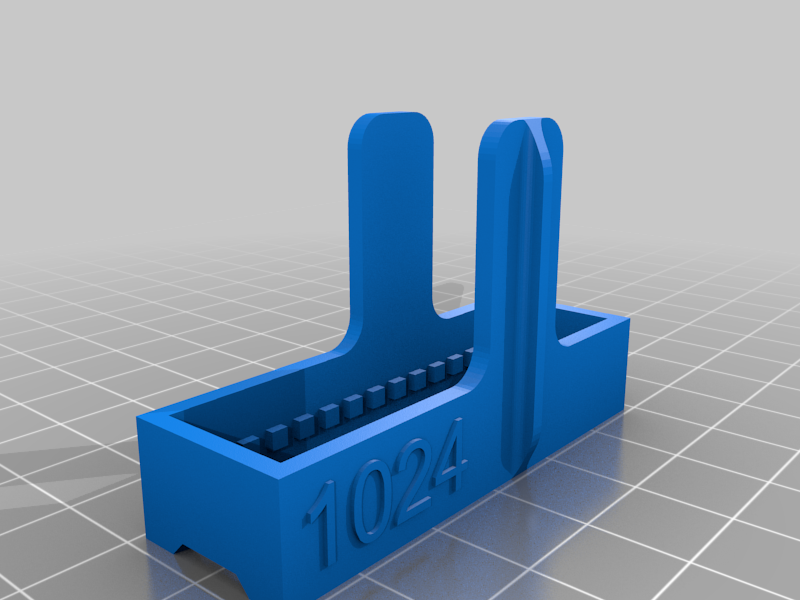 stl
stlConnector1024.stl
116 Ko · 181 downloads
-
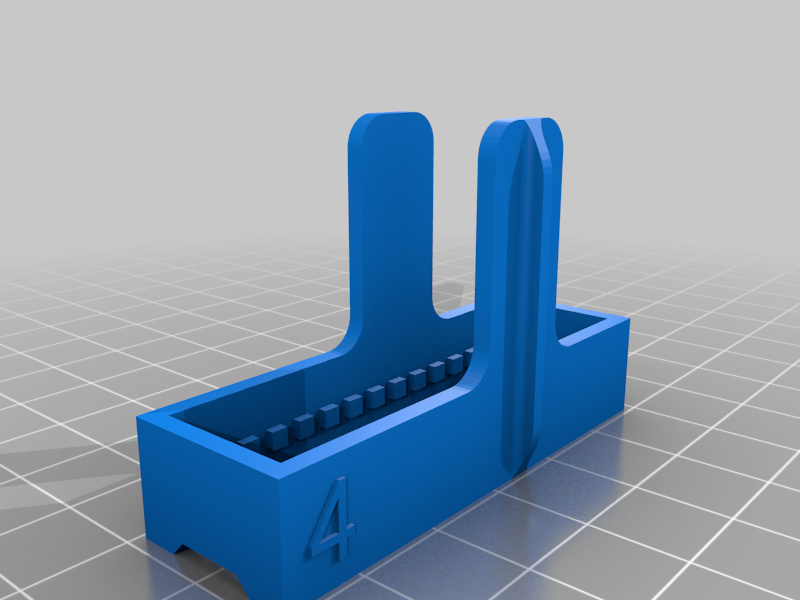 stl
stlConnector4.stl
77 Ko · 184 downloads
-
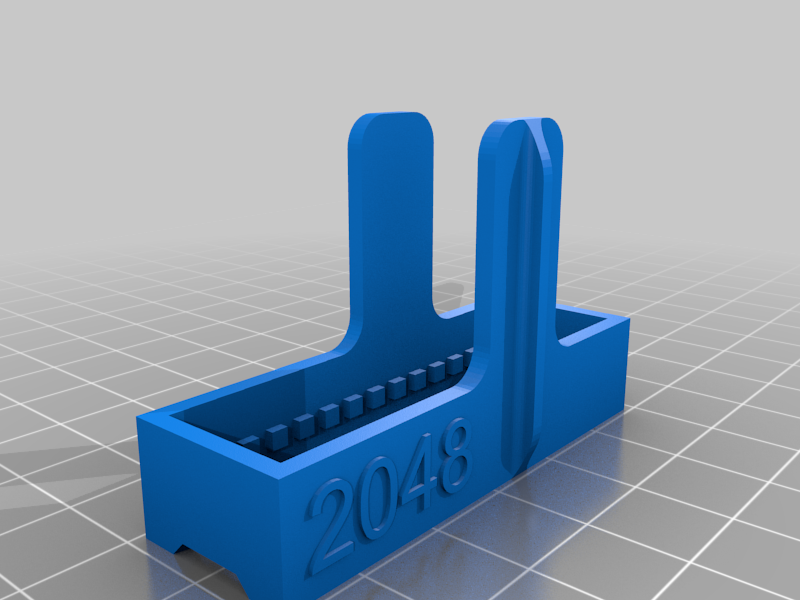 stl
stlConnector2048.stl
140 Ko · 183 downloads
-
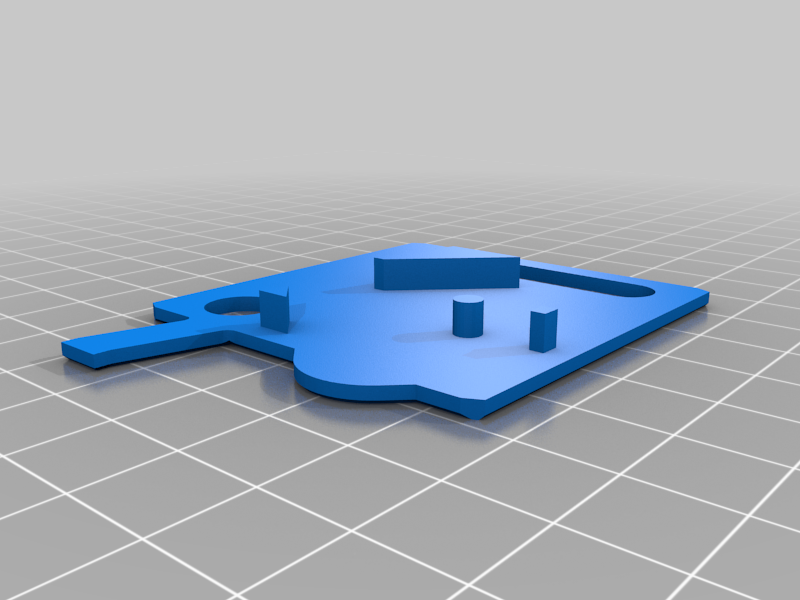 stl
stlBack.stl
37 Ko · 187 downloads
-
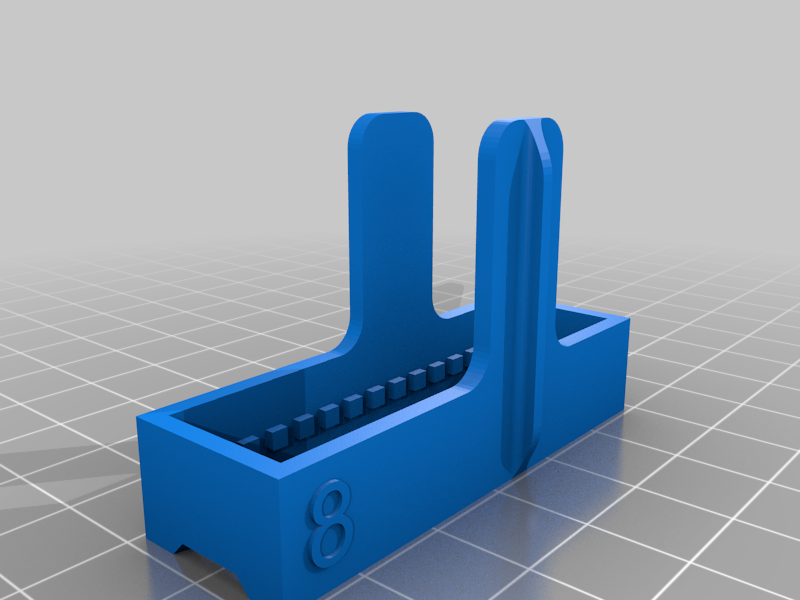 stl
stlConnector8.stl
102 Ko · 183 downloads
-
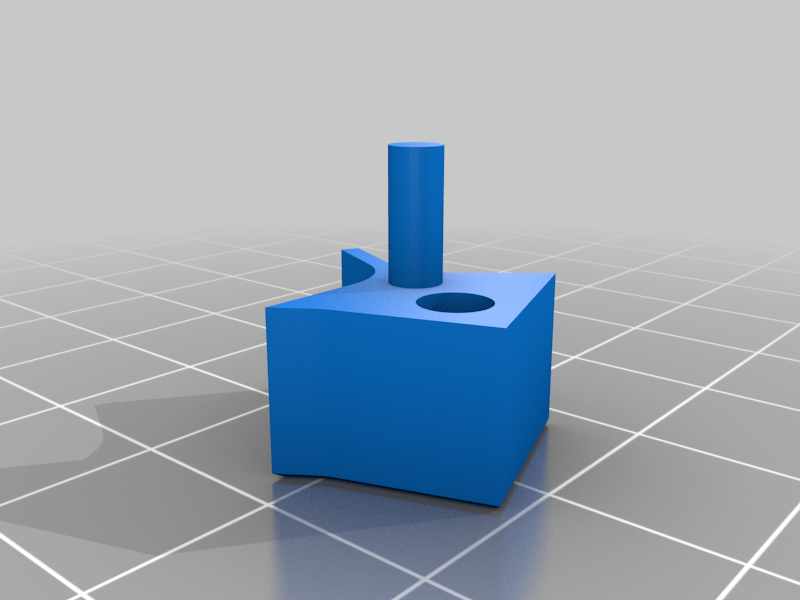 stl
stlSwitch.stl
42 Ko · 183 downloads
-
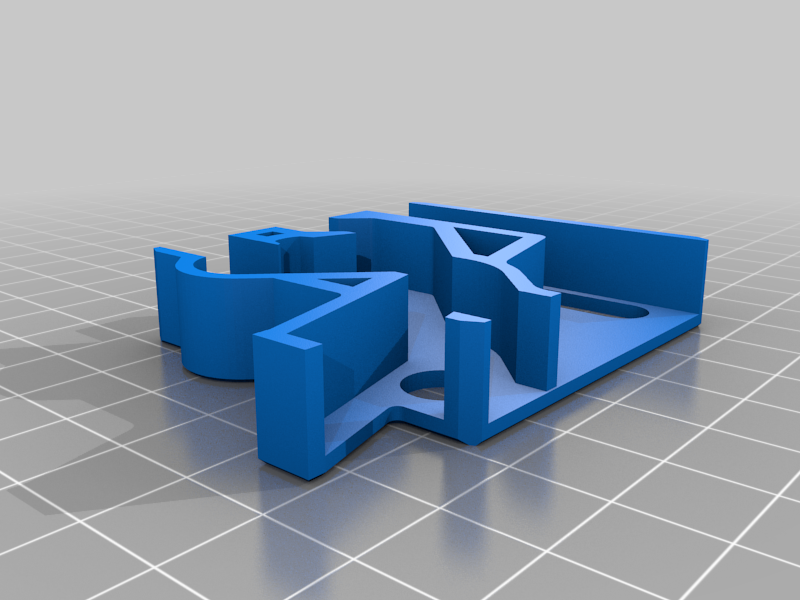 stl
stlFront.stl
77 Ko · 188 downloads
-
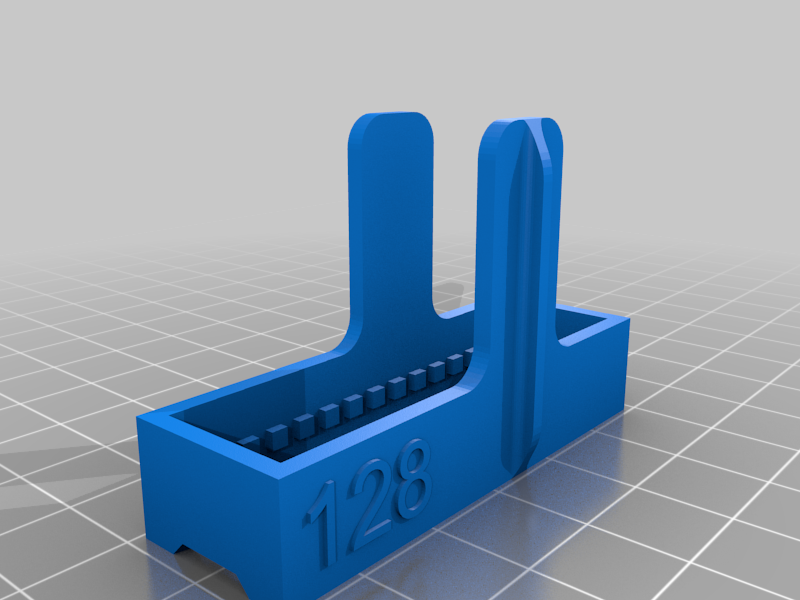 stl
stlConnector128.stl
122 Ko · 182 downloads
-
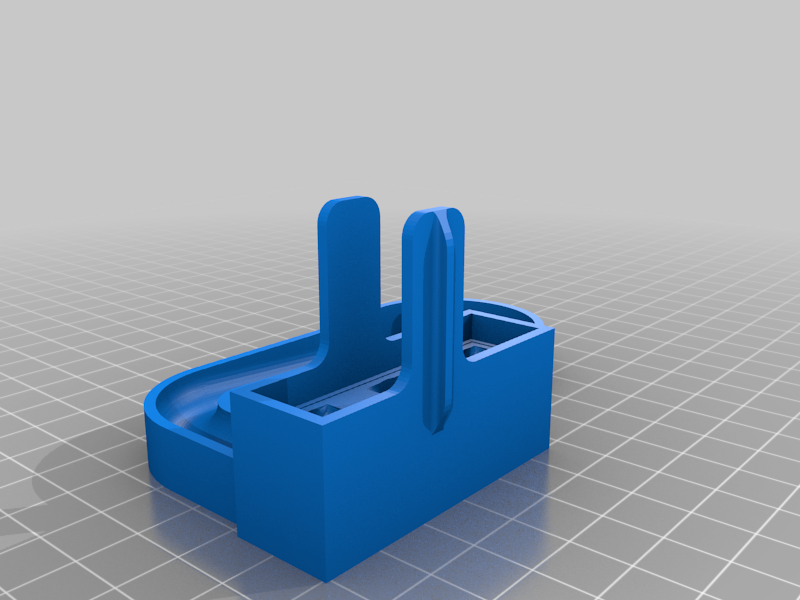 stl
stlBase.stl
727 Ko · 188 downloads
-
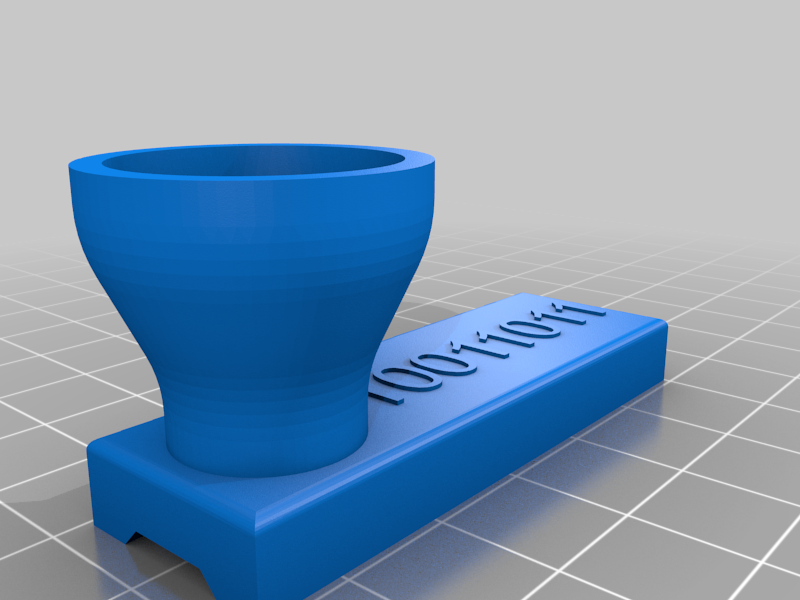 stl
stlTop.stl
311 Ko · 185 downloads
Description
I really liked evgiz0r's binary tower (https://www.thingiverse.com/thing:3163974), but the first one I printed was too unreliable. I started editing his shared Fusion 360 file to see if I could make it better. I got it to be a little more reliable, but gave up after a while. I thought my Fusion skills were bad. Messing with sketches that are even worse than your own is nerve-racking. Instead, I decided to just start over and use actual moving switches like the ones you see everywhere else.
I went ahead and continued designing my version using the same 9.5mm ball as he did. Since the bearings I have are 11mm, I up-scaled to print mine. I've never actually printed @ 100%. I suggest you scale and print one, to the size you need, and check to see if it works. If the ball falls through without getting caught by the switch, scale down a hair.
It's simple to assemble. Put the switch in place and slap the cover on. Before you glue them together, you may want to file down the top of the walls. Top being the top as they are laying on the bed after printing. This will allow the pieces to lay flatter against each other.