
Slice Engineering Extruder 'Windmill'
 di stegenga


1 / 7
File stampabili (6)

Descrizione
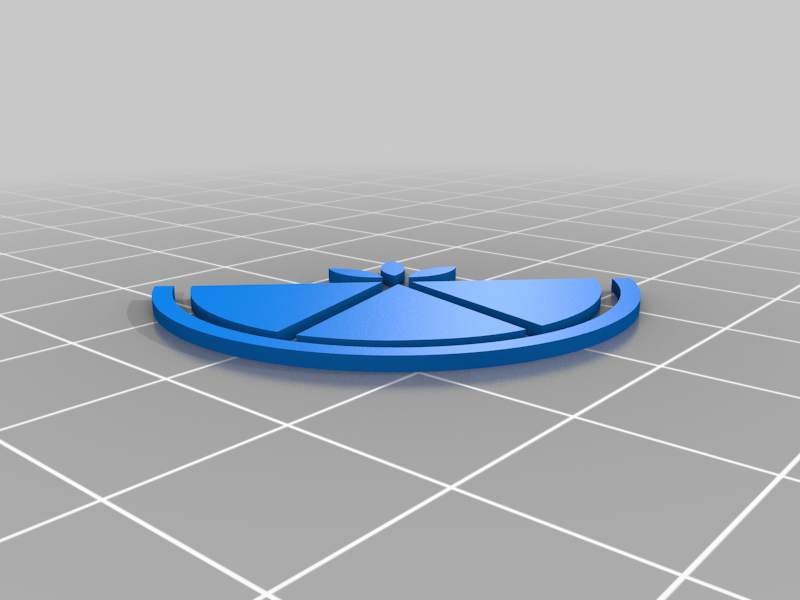
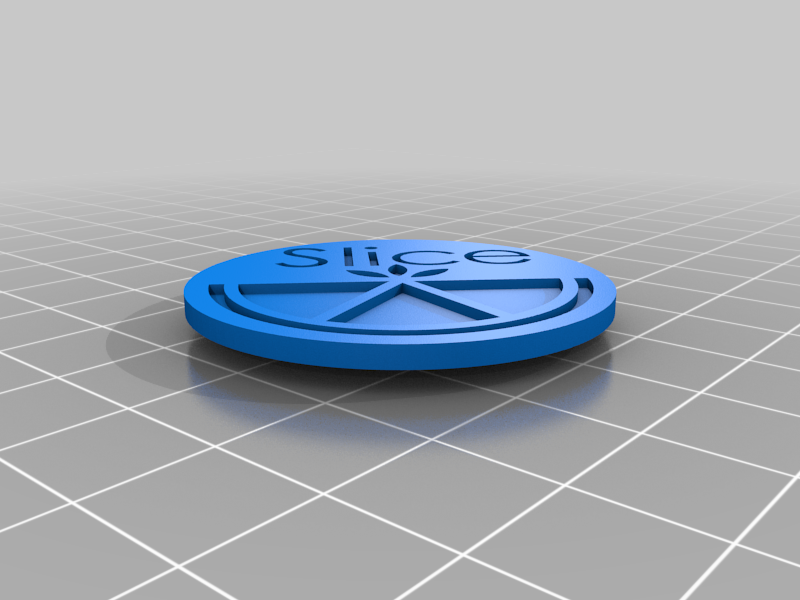
This thing is an extruder motor 'windmill' using Slice Engineering's official graphics files. It is intended for personal, non-commercial use. Enjoy.
In addition to windmill parts:
- 8mm diameter x 3mm tall magnet
- Crazy glue of some type
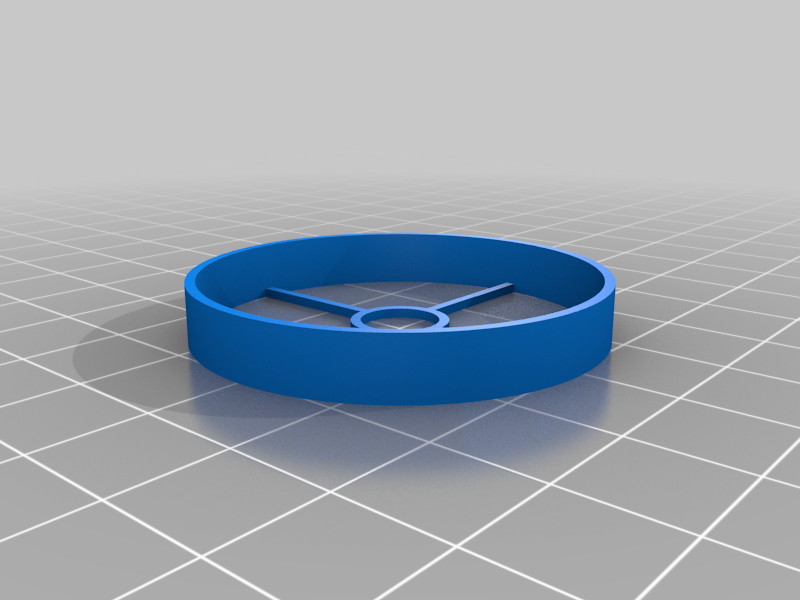
- Printed magnet aligner ('MagAlign' included here)
Printing:
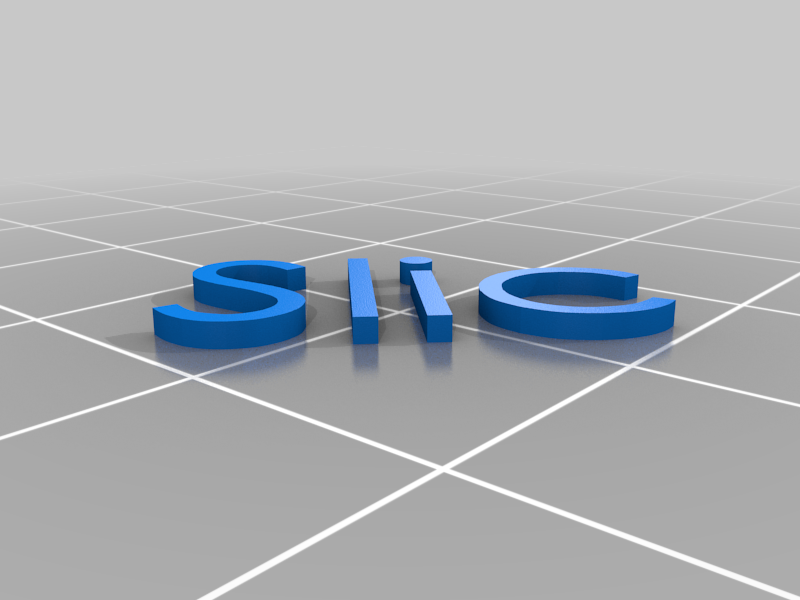
- First layer, set up extruders to print the letters and logo first, then the disc
- Best on flat print bed, not textured
- If printing MagAlign piece at same time, use disc color/extruder
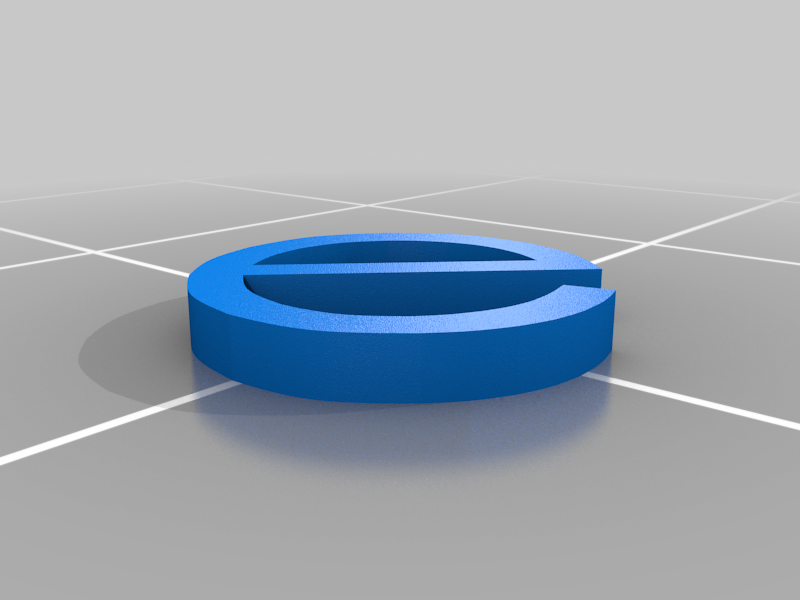
- The 'e' is a separate file as I had to kern the 'ce' manually to match the logo
- Place all disc objects in slicer then rotate 180 degrees x or y to print
- Magnet alignment tool can be placed and printed as-is
Assembly:
- Place MagAlign on surface with spokes down
- Press in magnet in center circle flush with surface
- Magnet should stick up inside about 2mm
- Place windmill disc face down on surface
- Flip over MagAlign and pre-fit over disc, then remove
- Apply a small drop of glue to center of raised part on disc
- Place/Press MagAlign w/magnet onto disc
- Let dry according to glue directions
- Remove MagAlign and place windmill on extruder
Note: If you chose to use Disc.3mf it was saved using PrusaSlicer 2.0.0