
Misc Tektronix 7000 Series Replacement Knobs
 di boopie


File stampabili (6)
-
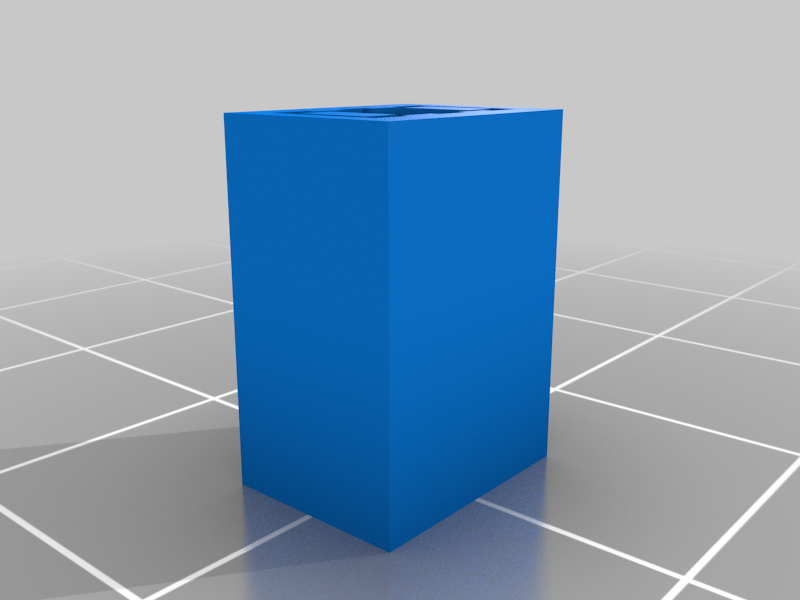 stl
stltektronix_button.stl
68 Ko · 84 download
-
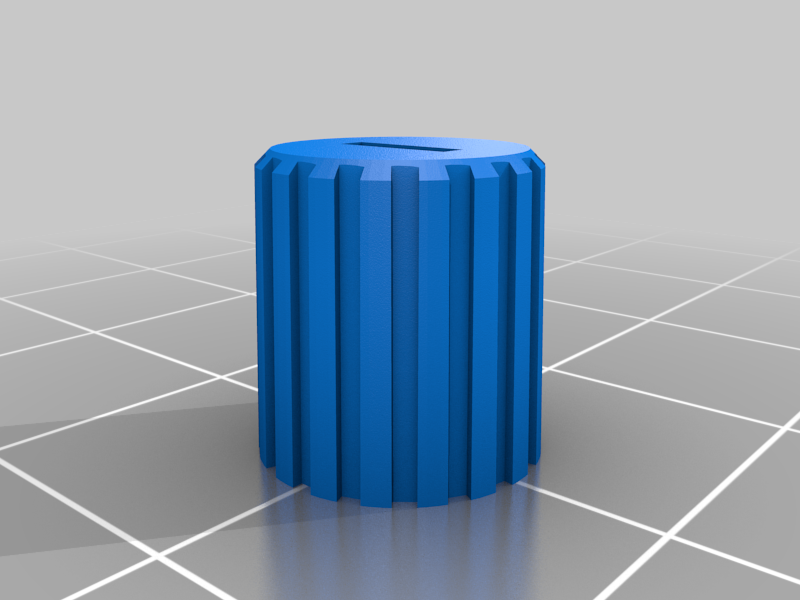 stl
stltektronix_atten_cal_knob.stl
273 Ko · 83 download
-
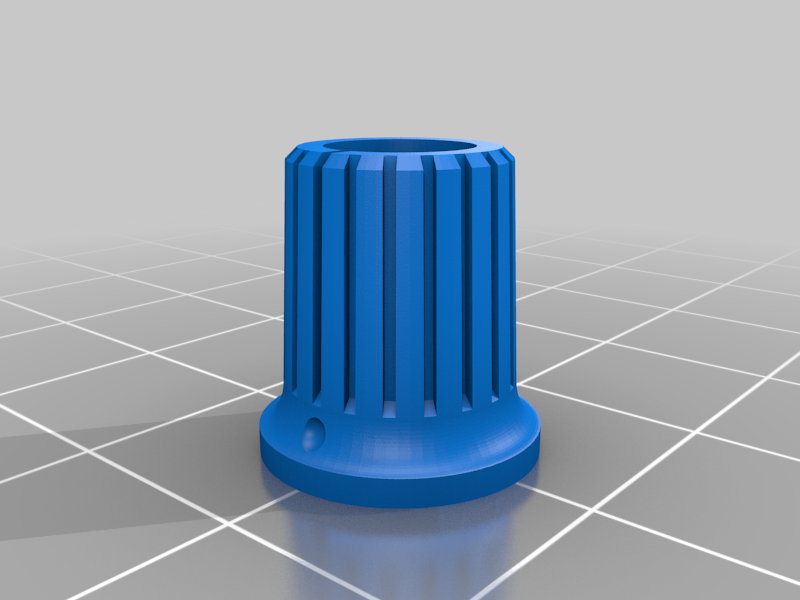 stl
stltektronix_366-1077-00_knob.stl
1.2 Mo · 84 download
-
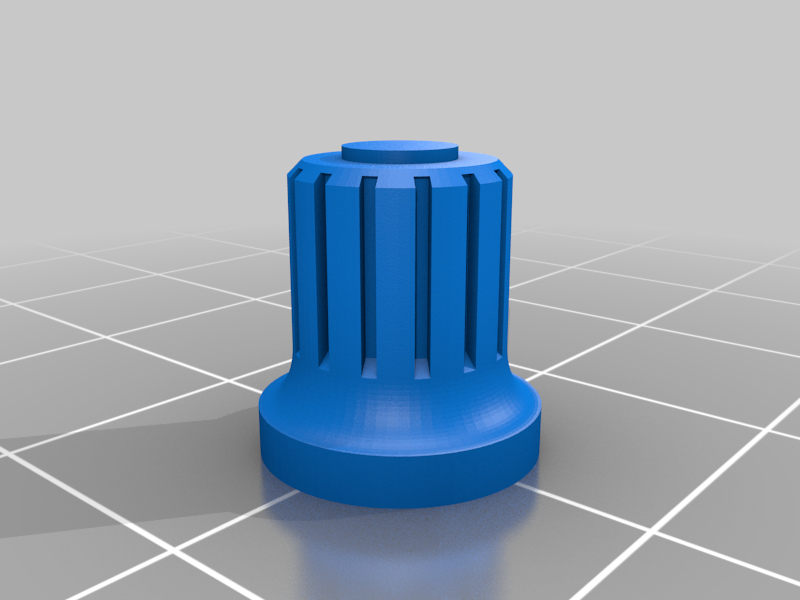 stl
stltektronix_knob.stl
873 Ko · 81 download
-
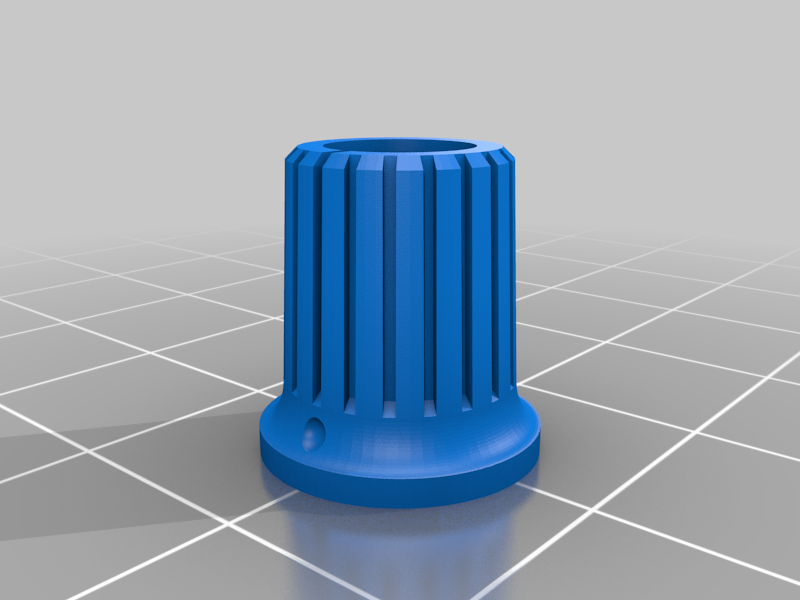 stl
stltektronix_366-1215-00_knob.stl
1.2 Mo · 83 download
-
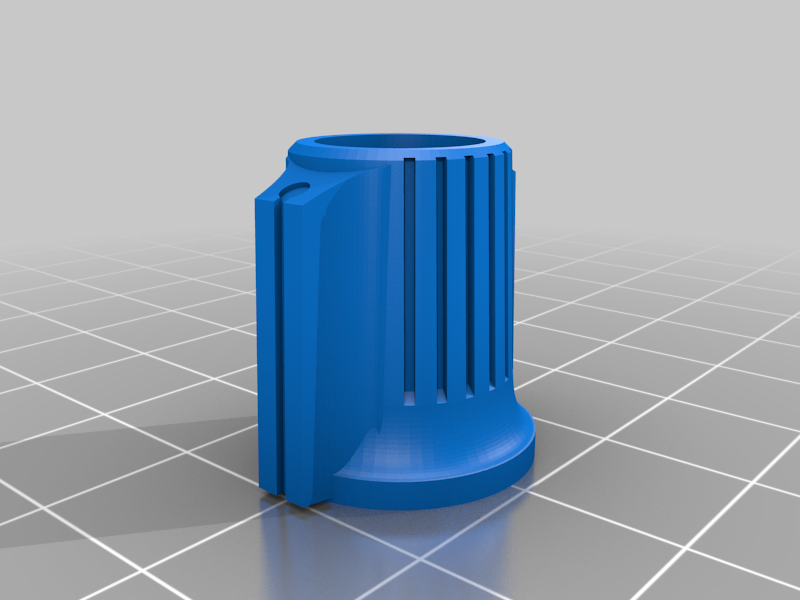 stl
stltektronix_atten_knob.stl
1 Mo · 91 download
Descrizione
This is a collection of various knobs that I came up with to replace ones that were damaged or missing from Tek 7000 series scope plug-ins and mainframes.
Most of these assume that one has the original knurled aluminum piece with the set screws that connects to the shaft. The knobs have pin holes for the screw location markings. They will need to be drilled out. I did this because it made for less distortion and printing problems by using small holes. Installation. Start by inserting and turning the set screws in until they are flush with the knurl. Heat up the aluminum piece and press it in place, making sure that the screw holes are aligned. The knurl may cause it to rotate when being pressed. With the aluminum piece pressed in and still hot, one can insert an Allen wrench and adjust the position of the set screws if the alignment is off. Installing the setscrews first is easier if the screw holes are misaligned. It is easier to back them out rather than trying to screw them in into a misaligned hole.