
4-axis robot controller
 por scwabe
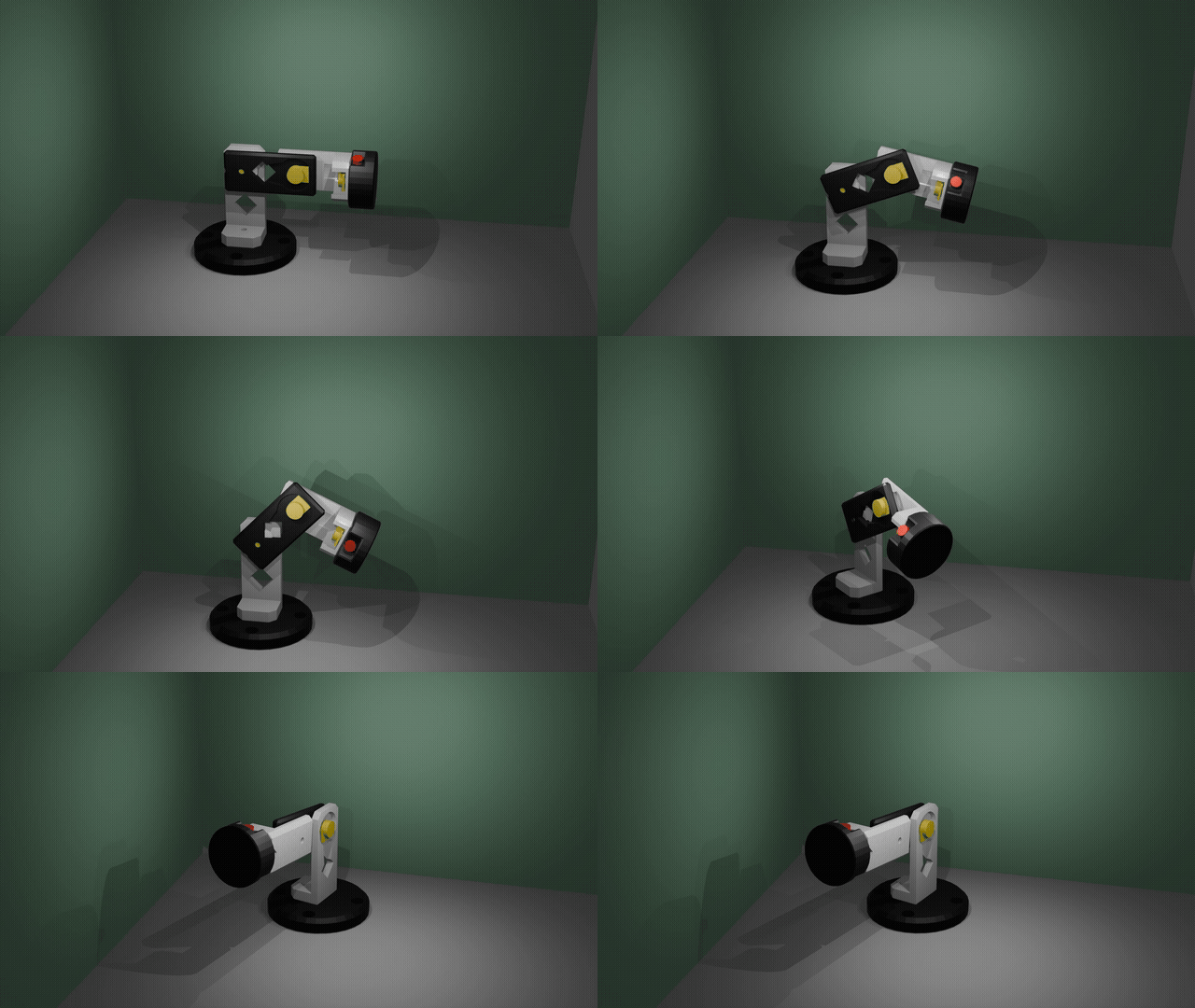


Ficheiros imprimíveis (6)
-
 stl
stlCONTROLLER-ARM1.stl
24 Ko · 26 descargas
-
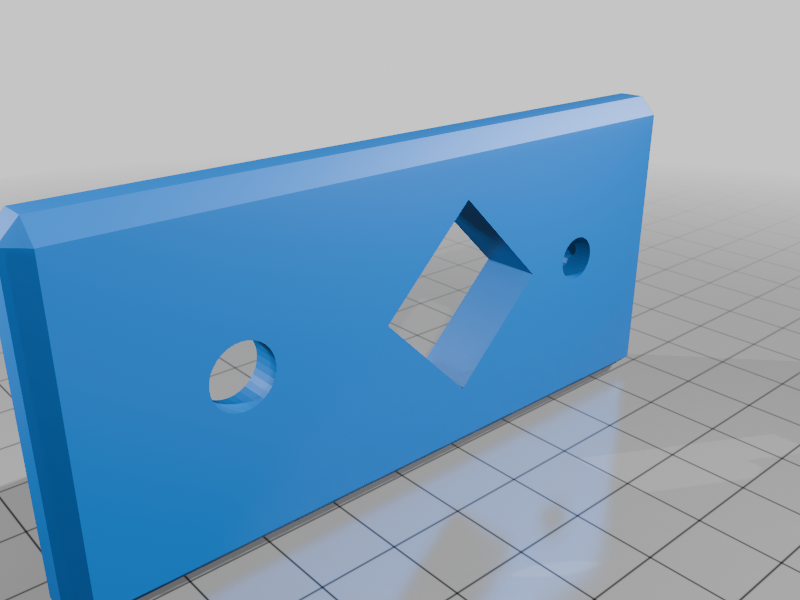 stl
stlCONTROLLER-ARM2.stl
36 Ko · 24 descargas
-
 stl
stlCONTROLLER-ARM3.stl
25 Ko · 23 descargas
-
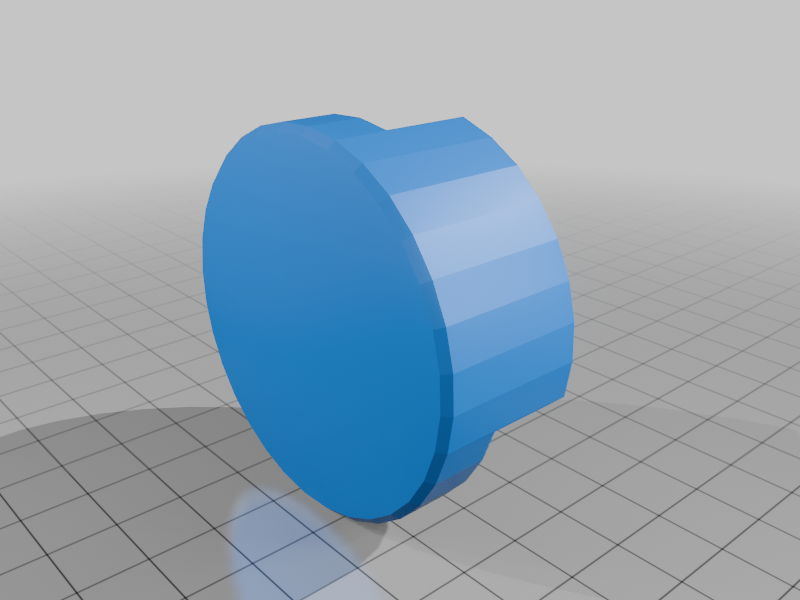 stl
stlCONTROLLER-ARM4.stl
43 Ko · 22 descargas
-
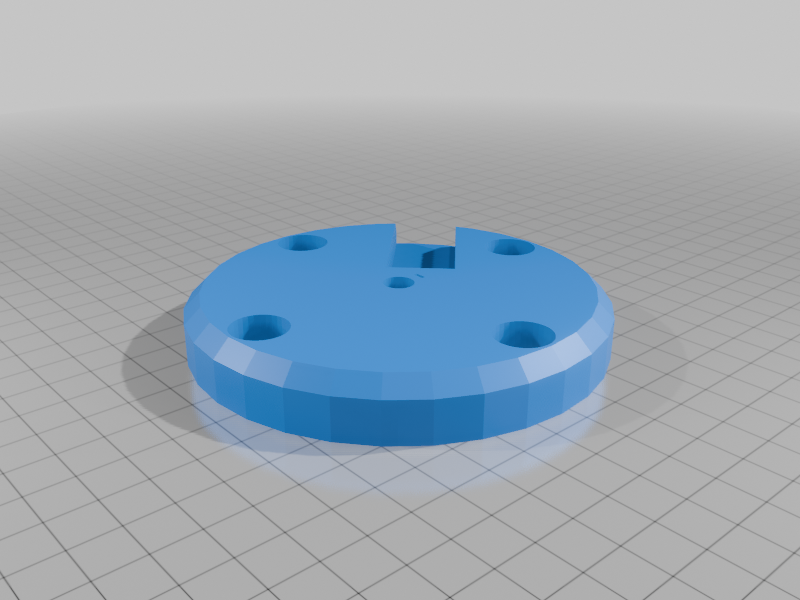 stl
stlCONTROLLER-BASE.stl
76 Ko · 22 descargas
-
 stl
stlCONTROLLER-CLUTCH.stl
19 Ko · 23 descargas
Descrição
USB controller for a 4-axis robot arm using an Adafruit KB2040 (RP2040). Four potentiometers for axis control plus a button for gripper/trigger — all read over a simple serial protocol.
BOM
PartQtyAdafruit KB2040110kΩ linear potentiometer4WWZMDiBTactile push button (momentary)1US-SKU E4293D-printed enclosure1USB-C cable1Wiring
KB2040Connected toA0 (GP26)Pot 1 wiperA1 (GP27)Pot 2 wiperA2 (GP28)Pot 3 wiperA3 (GP29)Pot 4 wiperPin 9 (GP9)Button (other leg → 3.3V)3.3VPot 1–4 left legGNDPot 1–4 right leg, button pull-downPotentiometer legs: left → 3.3V, right → GND, wiper (center) → analog pin.
Button is active-high (press sends 3.3V to GP9). The firmware uses the RP2040's internal pulldown so no external resistor is needed.
Firmware
Uses the Earle Philhower RP2040 core. Target board: Adafruit KB2040.
arduino-cli compile --fqbn rp2040:rp2040:adafruit_kb2040 controller/arduino-cli upload --fqbn rp2040:rp2040:adafruit_kb2040 controller/Analog resolution: 12-bit (0–4095).
Serial protocol (115200 baud)
Send a single character, get CSV back:
CmdResponseExampleach1,ch2,ch3,ch42048,1023,3072,0bbutton (0/1)0ppress edges (0/1)1rrelease edges (0/1)0sbutton;ch1,ch2,ch3,ch40;2048,1023,3072,0Display (optional)
Python tkinter GUI (display.py) shows live pot bars and button state. Requires pyserial.
pip install pyserialpython display.pySTLs
FileDescriptionCONTROLLER-BASE.stlEnclosure base — holds KB2040, pots, and buttonCONTROLLER-ARM1.stlPotentiometer knob — axis 1CONTROLLER-ARM2.stlPotentiometer knob — axis 2CONTROLLER-ARM3.stlPotentiometer knob — axis 3CONTROLLER-ARM4.stlPotentiometer knob — axis 4CONTROLLER-CLUTCH.stlClutch/gripper button capDesigned in Blender — source file: CONTROLLER.blend
Notes
- Designed for the Earle Philhower RP2040 Arduino core
- Button uses INPUT_PULLDOWN — no external resistor required
- All four pots are read continuously; data is returned on request to avoid flooding the serial buffer